Blog › A complete guide to uncensored male AI video generation
A complete guide to uncensored male AI video generation
Create high-quality content with this guide on uncensored male AI video generation using advanced artistic tools and techniques.
Key Takeaways
Creating compelling male-focused content requires specific technical and creative workflows. Follow these essential points for your production:
- Prioritize anonymous-by-design platforms to ensure complete content privacy.
- Implement a consistent narrative style by reusing reference images consistently.
- Use negative prompts to strip away unwanted visual artifacts and blurriness.
- Keep your generation credits managed via a transparent pay-as-you-go system.
- Leverage multi-shot narrative modes for complex or longer cinematic videos.
Getting started with uncensored AI video tools
Building an effective output workflow starts with choosing a platform that permits absolute creative freedom. The Animator Hub provides the core architecture necessary for these tasks without the filters found in mainstream services. You gain access to high-resolution 1080p generation through a system designed to treat creators as professional adults.
Understanding the platform architecture
The underlying engine processes your input through text, image, or video modules to produce distinct visual results. By separating these generation modes, users can isolate exactly what they need for a specific scene or character sequence. This system avoids the bloated, filter-heavy hurdles usually encountered elsewhere.
Setting up your anonymous user account
Security begins at the login layer where identity protection remains the priority. You sign up via OAuth without exposing a real name or public profile. This anonymous model ensures that your creative portfolio stays hidden, providing peace of mind as you generate explicit or adult content.
Navigating age verification and privacy protocols
You must confirm you are 18 or older upon first entry to use these tools. The platform maintains strict safety gates designed to exclude minors while ensuring that authorized adult creators operate in a verified, secure atmosphere. This gate is the only restriction you will encounter.
Buying and managing credits for continuous generation
Financial control is handled through a straightforward credit system where one coin equals one second of output. You track your balance in the navigation bar and can purchase top-up packs using crypto for extra privacy. This model makes high-volume AI video creation simple since there are no hidden subscription lock-ins or recurring fees to track.
Mastering male character creation in AI video
Constructing a recognizable male character in a digital space requires more than a simple text string. You define the visual identity by combining specific descriptors with controlled reference sources. This approach provides the stability needed for professional-grade results across multiple video files.
Defining detailed character personas and physical traits
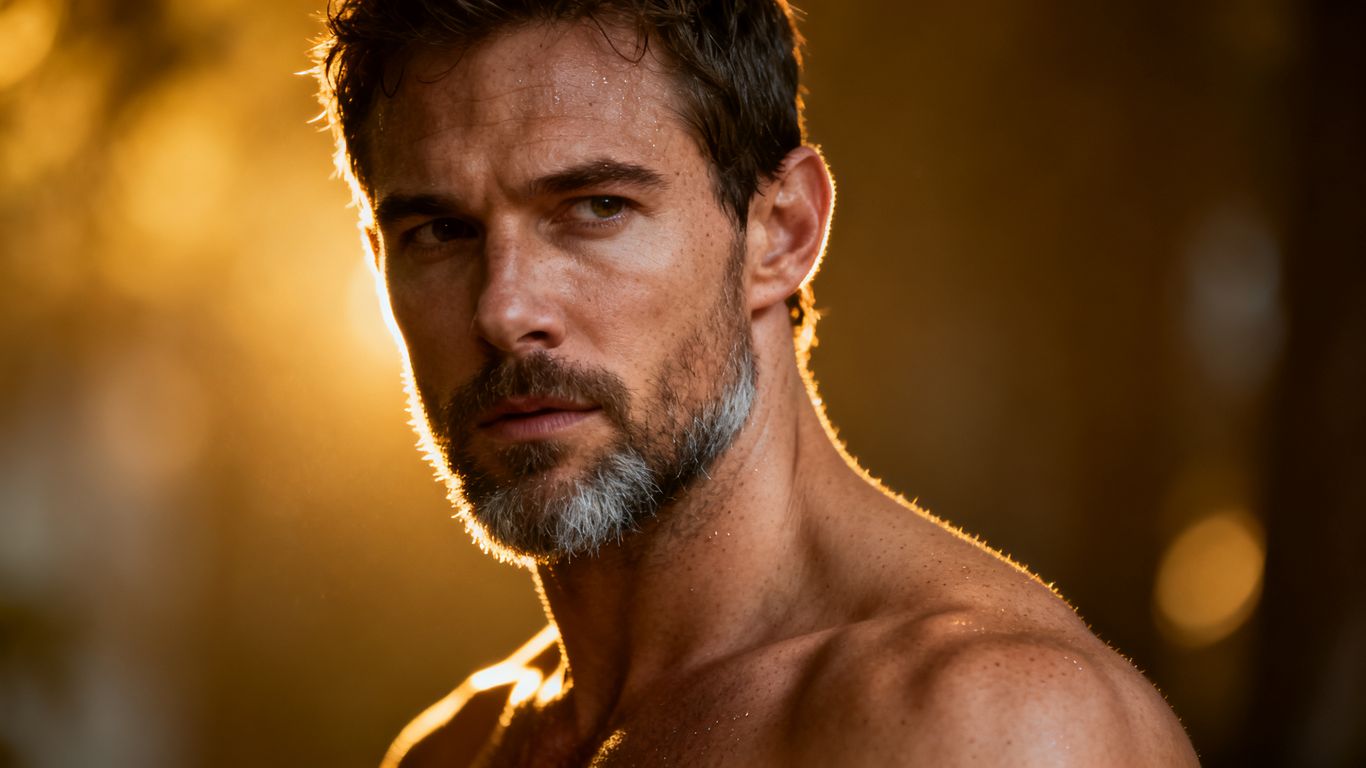
You build your character by listing traits like jawline, physique, and hair style within your persona definition. This specificity helps the model ground its output in a stable morphology. A table allows you to organize these traits effectively across different sessions.
| Attribute | Description | Usage Frequency |
|---|---|---|
| Jawline | Sharp angular masculine bone structure | Daily |
| Physique | Athletic or lean bodybuilding definition | Frequently |
| Skin | Realistic texture with pore detail | Mandatory |
Using this table ensures your character remains consistent when you move between different generation sessions. You save these traits in your notes to keep your creative output highly predictable.
Using prompt enhancers to define specific masculine aesthetics
Standard inputs often lack the nuance required for a distinct masculine look. By using built-in prompt enhancers, you add professional descriptive layers to your base prompt. This automated process saves time while significantly boosting the visual quality of your generated output.
Incorporating clothing, style, and environmental context
A character only feels real when the surroundings provide depth and atmosphere. By defining the outfit and lighting, you dictate the mood and setting. This placement grounds your subject in a believable, high-quality digital environment.
Managing character consistency across multi-shot narratives
Keeping your subject identical across consecutive shots requires referencing the original source image or source video constantly. You establish a primary look that persists in every clip. This repetition is the key to cinematic success in your AI projects.
Utilizing different generation modes for male-centric content
Variety in your production comes from switching between text, image, and video source inputs. Each mode offers unique benefits for storytelling and aesthetic control. You choose the right tool based on whether you are crafting an original scene or transforming existing footage.
Leveraging text-to-video for creative storytelling
Text descriptions provide the fastest way to ideate a broad scene from scratch. You describe the action, movement, and camera angle in plain language to see immediate visual results. This method is ideal for sketching out concepts that you want to refine later.
Animating still portraits and photography using image-to-video
Take any still portrait and transform it into a fluid, moving clip. By using Animator Hub's image tools, you animate the subject’s expression or gestures with precision. This mode keeps the original look intact while adding motion and life to static frames.
Transforming existing footage with video-to-video processing
Upload short video segments to restyle them entirely using an artificial framework. You modify the clothing, background, or physical style of a source video to create something completely different. This capability lets you quickly iterate on existing content for different thematic outcomes.
Adjusting aspect ratios for social media and cinematic display
Your output needs to fit the format of the platform where you plan to share it. By adjusting the aspect ratio before generation, you prevent unwanted cropping of your character. A vertical ratio is typical for mobile sharing, while 16:9 works for traditional screens.
Optimizing your prompts for high-quality output
Refining your prompts is the most effective way to improve the resolution and realism of every video. Using precise vocabulary transforms a vague scene into a professional piece of cinematography. This discipline brings your work to a much higher standard than raw, unguided generation.
Writing descriptive prompts for complex camera angles and lighting
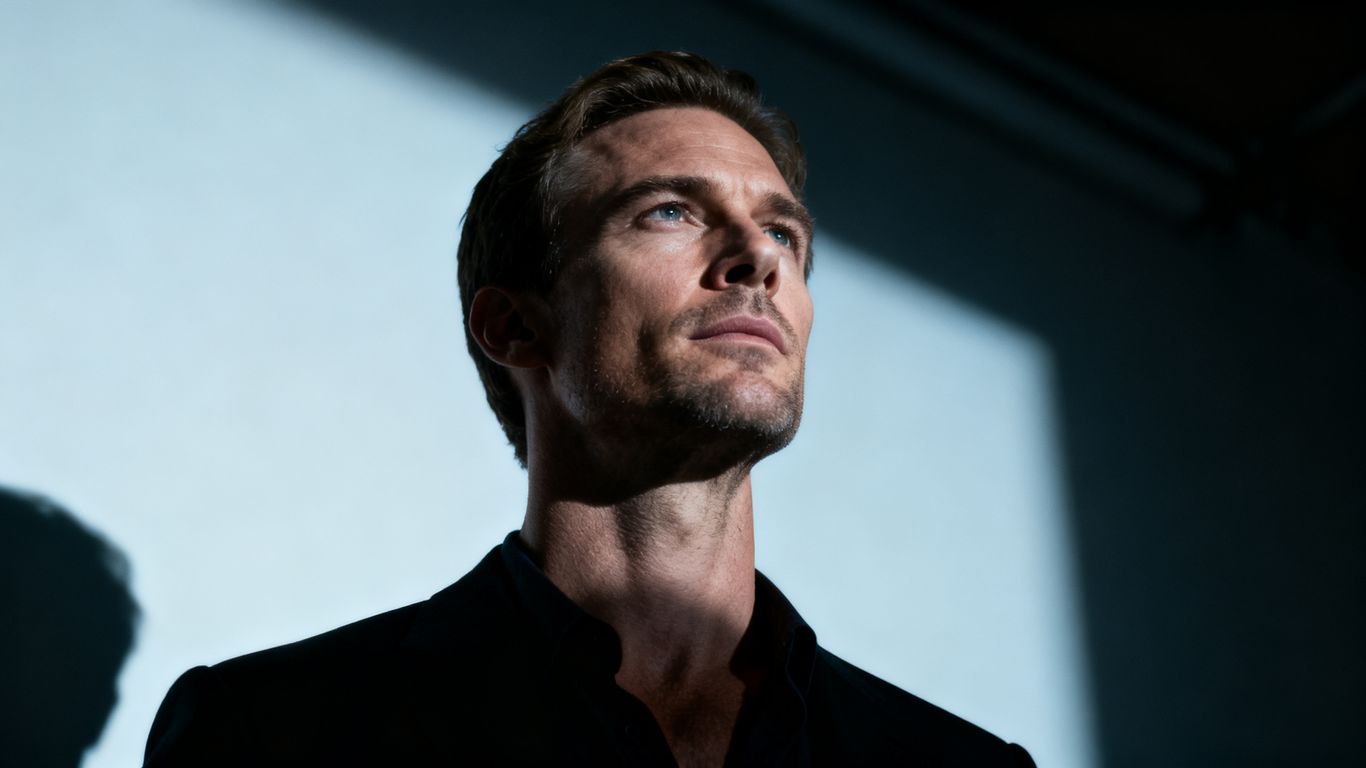
You define the camera movement and intensity of light to set a professional tone. Phrases like overhead tracking shot or soft moonlight provide the AI with specific visual constraints. These details make the output feel like high-end professional footage.
Using negative prompts to effectively exclude visual artifacts
Negative prompts act as a filter against errors like blurring or distorted anatomy. When you define what you do not want in the result, the engine focuses more heavily on the positive traits of your prompt. This leads to cleaner, sharper video files every time.
Employing built-in prompt expansion tools for detail
The software provides automated tools to flesh out your short descriptions into complex artistic instructions. This expansion adds words related to texture and focus depth automatically. You spend less time guessing and more time generating finished clips.
Applying professional cinematic vocabulary to your prompts
Use correct terms for framing, shutter speed, and optics to influence the final product’s look. A simple prompt about a walking man changes significantly when you add technical details about the focal length and film grain. This usage elevates your content from basic AI clips to polished artistic creations.
Advanced library and production features
Large volume production requires a clean organization system for your media history. By managing your files securely, you maintain a streamlined workflow even with hundreds of generated clips. This structure is essential for professional creators dealing with complex, multi-layered narratives.
Organizing generated media into private, secure albums
Use private albums to group your project files by subject, character, or theme. Dragging and dropping individual clips into specific albums keeps your library functional and accessible. This organization saves significant space and time when you look for older assets.
Leveraging bulk actions for efficient library management
Delete failed attempts or move multiple files into folders at once using the bulk interface. This efficiency prevents your account from becoming cluttered with junk or unwanted output. You retain complete control over every piece of media stored in your account.
Executing complex multi-shot sequences with precise timing
Plan your longer stories by lining up shots in a cohesive sequence using a timestamp approach. This coordination allows for building an arc across several seconds of video without losing character consistency. It is the best method for creating professional-grade narrative videos that hold the viewer’s interest.
Regenerating and refining previously failed output attempts
If a generation does not meet your expectations, the system allows you to rerun the prompt with one click. This pre-fills your previous input and settings, letting you make minor adjustments for a better result. You never have to start your entire workflow from scratch on a failed attempt.
Privacy and security in uncensored video generation
Maintaining the safety of your identity is paramount when generating sensitive or adult materials. By utilizing anonymity protocols, you ensure that your work stays strictly within your control. These security measures are the foundation of a reliable long-term production environment.
Understanding anonymity protocols for content creators
Your account contains no PII, social links, or public display names regardless of what you produce. This design effectively shields your identity from external platforms and unwanted scrutiny. You operate in a secure zone that respects your need for total confidentiality.
Protecting personal identity and metadata throughout the process
The platform handles all files and generation data purely behind an encrypted, private layer. No records of who you are or what specific content you create are stored or surfaced to the public. You keep your creative life and real-world persona completely separated.
Navigating platform-specific content policies and ethics
Content rules are focused squarely on legality and user consent while avoiding arbitrary artistic restrictions. You understand what behavior is permitted and what is prohibited, allowing you to operate safely within clear guidelines. This transparency prevents the uncertainty that leads to account bans on other sites.
Exploring the security benefits of decentralized payment methods
Cryptocurrency payments provide an extra layer of financial privacy that standard credit cards lack. By bypassing typical banking trails, you maintain your anonymity during every transaction. This integration is designed for creators who prioritize security above all else.
Conclusion
Generating uncensored male AI video requires a blend of technical mastery and artistic vision. By utilizing anonymous tools and the right prompt workflows, you can build a consistent library of compelling content. As you continue to experiment with different generation modes and library features, you discover new ways to bring your imaginative narratives to life in a private, secure environment.
Frequently Asked Questions
How can I make my AI characters look more masculine?
Include specific descriptors of physique and facial structure in your prompt, such as angular jawlines and athletic builds, to guide the model toward masculine aesthetics.
Does the platform track my generation history publicly?
No, all generated media remains in your private account and is not shown on any public profile or social feed.
Can I use my own photos to generate these videos?
Yes, you can upload your own image files as a source to animate or restyle, ensuring your character remains consistent with your original vision.
Are there any restrictions on how long my videos can be?
Generation limits depend on the module you select, typically ranging from 5 to 15 seconds per individual clip.
What should I do if a generated video output has blurriness?
Apply negative prompts to explicitly exclude artifacts like blur or poor detail, which helps the engine focus on rendering sharper and more defined output.
How does the credit system work for my projects?
Credits are purchased in packages and deducted on a simple pay-as-you-go basis, where one credit represents one second of generated footage.
Is it possible to generate videos without any content filters?
Yes, certain professional platforms are built specifically for adult creators and intentionally remove the filters and arbitrary content blocks found in mainstream tools.