Blog › A complete guide to NSFW male AI video generation
A complete guide to NSFW male AI video generation
Master NSFW male AI video generation with this guide. Learn prompt tips, privacy, and creation secrets for better results.
Key Takeaways
You need the right tools to create specific, high-quality scenes without dealing with annoying platform restrictions. This guide covers how to get the most out of your clips while staying private.
- Prioritize platforms that support uncensored output for full artistic freedom.
- Master your prompt structure to control physique and lighting for male characters.
- Use image-to-video to keep your character looking like the same person across scenes.
- Leverage video-to-video workflows to restyle your own footage into professional clips.
- Keep your data safe by selecting anonymous Animator Hub workflows.
Choosing an AI platform for male-centric content
Finding a reliable source for your videos depends on how much control the software gives you over the final output. Most general AI tools will bounce your requests if they detect body features or themes that offend their filters. Using Animator Hub provides the level of freedom you need for adult content creation. It is about speed and consistent results, not fighting with moderation queues that constantly block your work.
Evaluating uncensored generation capabilities
The most obvious hurdle with mainstream tools involves their restrictive filters. You want a platform that treats your creative vision as valid, whether you are creating realistic scenes or artistic interpretations. A dedicated platform understands that adult creators need to show mature content without artificial "safety" triggers stopping them halfway through a render.
Importance of anonymous and private infrastructure
Your creative work is your business. When you pick a service, look for one that keeps your identity separate from your uploads. Animator Hub stands out by design, offering an anonymous model where your activity stays strictly between you and your private library. You never have to worry about public profiles or your personal email leaks.
Comparing pay-as-you-go versus subscription models
Subscriptions often lock your money into a monthly cycle even when you are not actively producing anything. A better way to view this is through a pay-as-you-go credit system. This allows you to manage your budget exactly how you see fit, so you only pay for the seconds of video you actually render. Below are the common models you might encounter:
| Model Type | Benefit for Creators | Flexibility |
|---|---|---|
| Pay-as-you-go | Zero waste on idle time | High |
| Fixed Subscription | Predictable billing cost | Low |
| Tiered Credits | Bulk discounts for power | Medium |
It is better to pay for what you produce than to hunt down ways to cancel a billing cycle you no longer need. This keeps your costs predictable while giving you the freedom to step away without losing hard-earned cash.
Identifying specific features for character consistency
Consistency defines the quality of your sequence. If your character changes hair color or facial structure between two shots, the immersion vanishes. You should look for platforms that allow you to upload source images or videos specifically for reference-based workflows, which keep the visual identity of your subject locked in frame after frame.
Mastering text-to-video prompts for male characters
Writing good prompts for the male physique requires clear language. You should note that AI often defaults to generic shapes unless you specify details like muscle definition, body type, or specific skin textures early in the text. By focusing on these distinct visual markers, you get much closer to the result you have in mind.
Structuring prompts with cinematic vocabulary
Frames look better when you describe the camera as much as the subject. Instead of simply saying man walking, describe the low-angle shot, the panning motion, and the focus on his movement. Using cinematic terms helps the engine understand your frame composition goals effectively.
Defining physique, style, and lighting attributes
Style descriptions act as the foundation for your video atmosphere. You might describe the lighting as warm, moody, or hard-shadowed to define how the person pops against his environment. Focus on naming the specific aesthetic style to keep the colors and texture consistent across the clip.
Implementing multi-shot narratives for longer clips
To build a longer story, you have to break your idea into smaller segments. Each segment should focus on a single action. If you try to pack a complex scene into one 10-second window, the output will often struggle. Instead, plan your sequence:
- Establish the location and mood with a wide shot.
- Move into a medium shot showing the character engagement.
- Close with an intimate portrait of physical detail.
- Link these segments through stable character styling.
This approach helps you maintain quality while pushing past the time limit of a single render.
Using negative prompts to refine anatomical output
Negative prompts function as your tool for exclusion. If your subject constantly ends up with blurry limbs or odd anatomy in the background, you list those descriptors in the negative field. It is a simple way to tell the AI what you do not want to see in the final render.
Utilizing image-to-video for consistent character animation
When you start with a high-quality still, you have already won half the battle regarding character accuracy. Your image acts as a visual map for everything that follows. This is particularly popular for those creating a personalized AI girlfriend or boyfriend who appears repeatedly across multiple media types, as it ensures your character feels like a living, breathing person.
Selecting source images for optimal AI interpretation
Choose images with clear lighting and well-defined features. If the face is obscured by deep shadows or odd angles, the motion tracking might produce shaky results. A sharp portrait or a full-body standing pose usually provides the most data for the motion model to track.
Controlling natural motion and facial expressions
Subtle movements work best for naturalness. When you prompt for movement, keep the descriptors grounded in anatomy. Ask for a head turn, a slow walk, or a light smile instead of complex physical transformations. These small changes keep the character looking stable.
Matching video aspect ratios to source art
Frame mismatches often cause distortion. If your portrait is vertical, your video output should match that vertical orientation. Most modern tools offer dynamic aspect ratio adjustments, ensuring the framing of your source art is preserved throughout the animation process.
Enhancing static character designs with dynamic backgrounds
Sometimes a still character performs better against a moving environment. You might animate a character standing still while the background rain, curtains, or lighting patterns shift. This adds depth without forcing the character to move in ways that might cause rendering errors.
Applying video-to-video transformation techniques
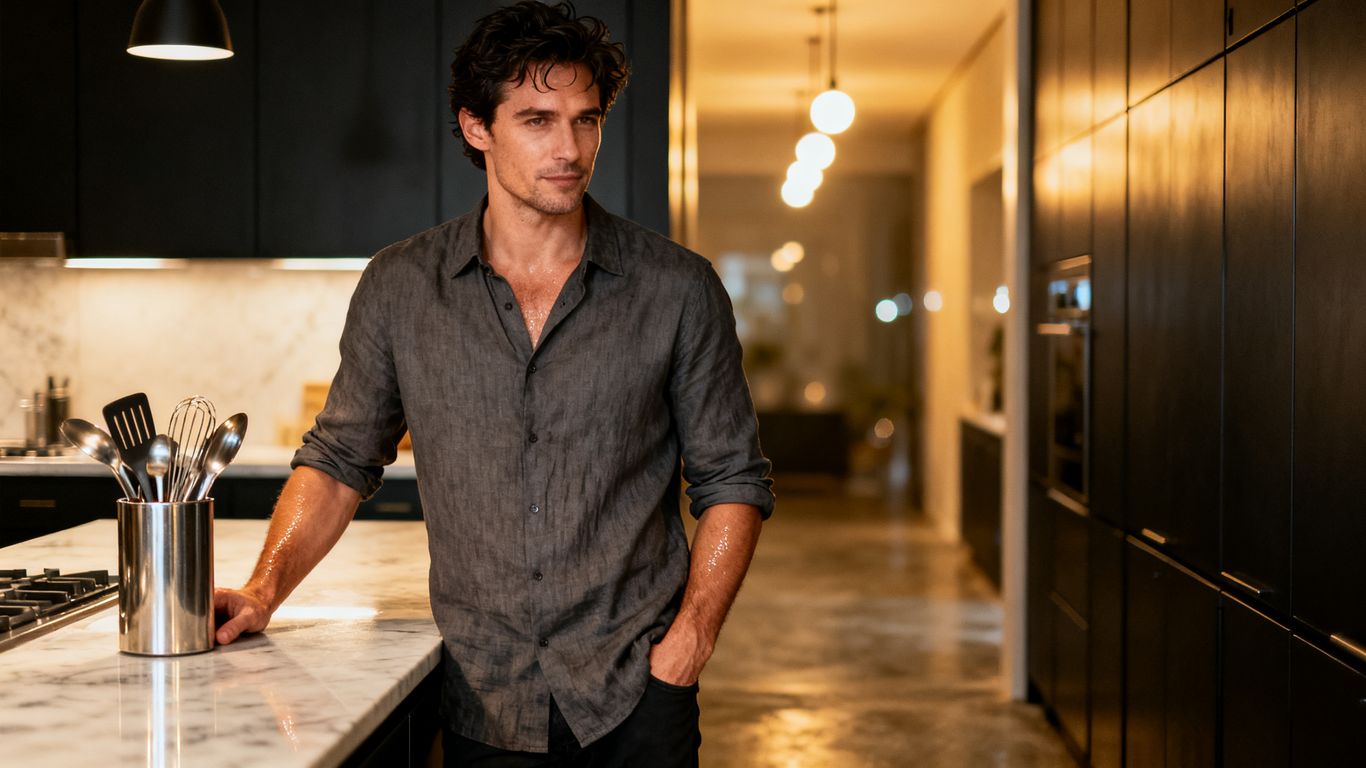
Taking existing footage and giving it a fresh style allows for production-level output speed. By feeding an original clip into the NSFW AI Video Generator, you can change the clothing, the color grade, or the entire setting while keeping the motion flow exactly as you intended. This is the fastest way to generate multiple variations of a single base scene.
Preparing source footage for AI restyling
Clean, well-lit footage provides the cleanest output. Avoid heavy motion blur or messy, busy backgrounds. If you are uploading a clip to transform, ensure the focal subject is centered in the frame, making it easier for the AI to swap textures and styles while keeping the skeletal motion intact.
Changing environments and clothing through source modification
When modifying your scene, be specific about what replaces the original elements. If you want to put your subject in a different outfit or a different location, describe the textures and the light of that target scene clearly. The AI uses your source as the motion template but fills in the visual data from your modification prompts.
Balancing source motion with stylized artistic output
Finding the right balance happens through iteration. If the output looks too similar to the original, increase the prompt weight during the transformation. If it loses the original motion, lean more heavily into the source video as your tracking layer.
Managing file size and length limits for high-fidelity rendering
High-definition clips require optimized files. Before uploading, trim your video to the specific action segment you need. Large files often require longer processing times, so keeping your inputs under the recommended duration helps ensure your renders return quickly and with higher detail.
The secret to great AI cinematic work lies not in the first output, but in the small adjustments you make to refine the character and lighting over several attempts.
Consistency will always beat the accidental quality of a single lucky generation.
Optimizing privacy and credit management
Navigating cryptocurrency payments for sensitive content
Using crypto for your generation credits is the gold standard for maintaining your financial privacy. It clears the link between your person and your hobby, which helps keep your activity private and worry-free.
Organizing private libraries with drag-and-drop tools
Your library should feel like a personal vault. Use tools that allow for drag-and-drop album creation, which lets you categorize your work by scene, character, or project. Keeping things tidy makes it far easier to re-use assets later.
Understanding credit consumption at the per-second level
Since 1 credit usually buys you 1 second of video, you are always in control of exactly what you spend. Keeping an eye on your balance helps avoid interruptions just when you are getting into your creative flow.
Protecting your identity with anonymous account models
Prioritize platforms that ask for nothing besides your login and your project. You do not need to share a public social link to have a quality experience. Anonymous models keep your creative space focused on the work, not on building a following.
Advanced tips for NSFW cinematic storytelling
Blending prompt enhancers with manual creative control
Use built-in prompt tools to get started, but do not be afraid to add your own flair. A tool can handle the basics of lighting, but only you can tell the AI exactly how the character should express his unique personality.
Iterating with bulk re-generation for better outcomes
Never rely on the first version. When you need the perfect take, use bulk actions to generate five or ten variations at once. This significantly shortens the time you spend finding the frame that matches your mental script.
Organizing scenes into custom cinematic albums
Treat your account as a professional studio setup. Build separate albums for every narrative arc, character series, or aesthetic concept you explore. This structure turns your media history into a browsable gallery of your own high-quality content.
Utilizing in-app guides for stylistic and camera vocabulary
Most platforms include a guide for a reason. Learning the specific vocabulary used by the model, such as lens types, depth of field, or artistic modifiers, allows you to get precisely the result you want without needing to guess.
Conclusion
Creating professional-grade adult clips has never been more accessible for those who know how to work with the right tools. By focusing on consistent character identity, smart prompt structure, and private workflows, you can produce content that matches your highest standards for quality and artistic depth. Take the time to refine your setup, and remember that every expert was once just trying to figure out which prompts worked best for their favorite scenes.
Frequently Asked Questions
Is it possible to generate realistic male anatomy using these tools?
Yes, provided you are using an uncensored platform free from the standard content filters found on mainstream generative services.
Do I need a powerful computer to run these video models?
No, most modern services handle the generation on their own cloud infrastructure, meaning your local hardware does not matter for render quality.
How can I make sure the male character looks the same in every video?
Using image-to-video as your primary generation mode ensures the engine uses your uploaded reference as the consistent visual blueprint for the entire scene.
Is anonymous browsing really private?
Yes, if you choose a platform that does not require personal identifying information and allows for cryptocurrency payment, you can stay completely private.
Can I change what a person is wearing in an existing video?
Yes, the video-to-video mode allows you to upload existing footage and prompt for clothing or environment changes while keeping the original motion sequence.
What is the advantage of a credit-based system?
Credit-based systems offer you total budget control, ensuring you only pay for the exact seconds of output you produce rather than paying a flat monthly fee regardless of use.
How do I learn the right cinematic vocabulary?
Most professional generation platforms feature a library or guide within their settings that explains terms related to lighting, camera angles, and composition to improve your prompt accuracy.