Blog › Effortlessly Create Images with AI: Your Guide to Text-to-Image Generation
Effortlessly Create Images with AI: Your Guide to Text-to-Image Generation
Learn how to create images with AI. This guide covers text-to-image generation, prompts, models, and editing.
Here are the main things to remember about using AI to create images:
Key Takeaways
- AI image generation is about turning your words into pictures using smart computer programs.
- Writing good text prompts is super important for getting the images you want.
- You can pick different AI models and styles to change how your images look.
- Don't forget you can edit and improve the AI images afterward with other tools.
- This technology is useful for lots of things, from personal projects to commercial use.
Unlock Your Creativity: How to Create Images with AI
Ever wished you could just describe a picture and have it appear? Well, now you can. AI image generation is changing how we think about creating visuals. It's like having a super-fast artist on call, ready to bring your ideas to life just by typing them out. This technology takes your words and turns them into actual images, which is pretty wild when you think about it.
Understanding AI Image Generation
So, how does this magic happen? Basically, AI models are trained on massive amounts of images and their descriptions. They learn to connect words with visual elements. When you give it a prompt, like "a cat wearing a tiny hat sitting on a bookshelf," the AI uses what it learned to piece together an image that matches your description. It's not just copying and pasting; it's creating something new based on patterns it recognized. This means you can get some really unique results.
The Power of Text-to-Image Technology
This text-to-image stuff is a game-changer. Before, you'd need design skills or a budget for a designer. Now, anyone can create visuals. Need a picture for a blog post? A concept for a character? A funny meme? You can generate it yourself. It's a fantastic way to explore visual ideas quickly. The more detailed your prompt, the closer the AI can get to what you're imagining. Think about describing the subject, the setting, the mood, and even the style you want.
Why Use an AI Image Generator?
There are tons of reasons to use these tools. For starters, they're fast. You can get multiple image options in seconds. They're also accessible; many are free or have affordable plans, like Gemini's free tool. Plus, they let you experiment without limits. You can try out different styles, concepts, and compositions without needing to learn complex software or hire anyone.
Here's a quick rundown of why you might want to try it:
- Speed: Generate images in seconds, not hours.
- Accessibility: No special design skills needed.
- Experimentation: Try out countless ideas easily.
- Cost-Effectiveness: Often cheaper than hiring a designer.
The core idea is to translate your imagination into a visual format using simple text commands. It's about making image creation accessible to everyone, regardless of their technical background.
Mastering AI Image Generation: A Step-by-Step Guide
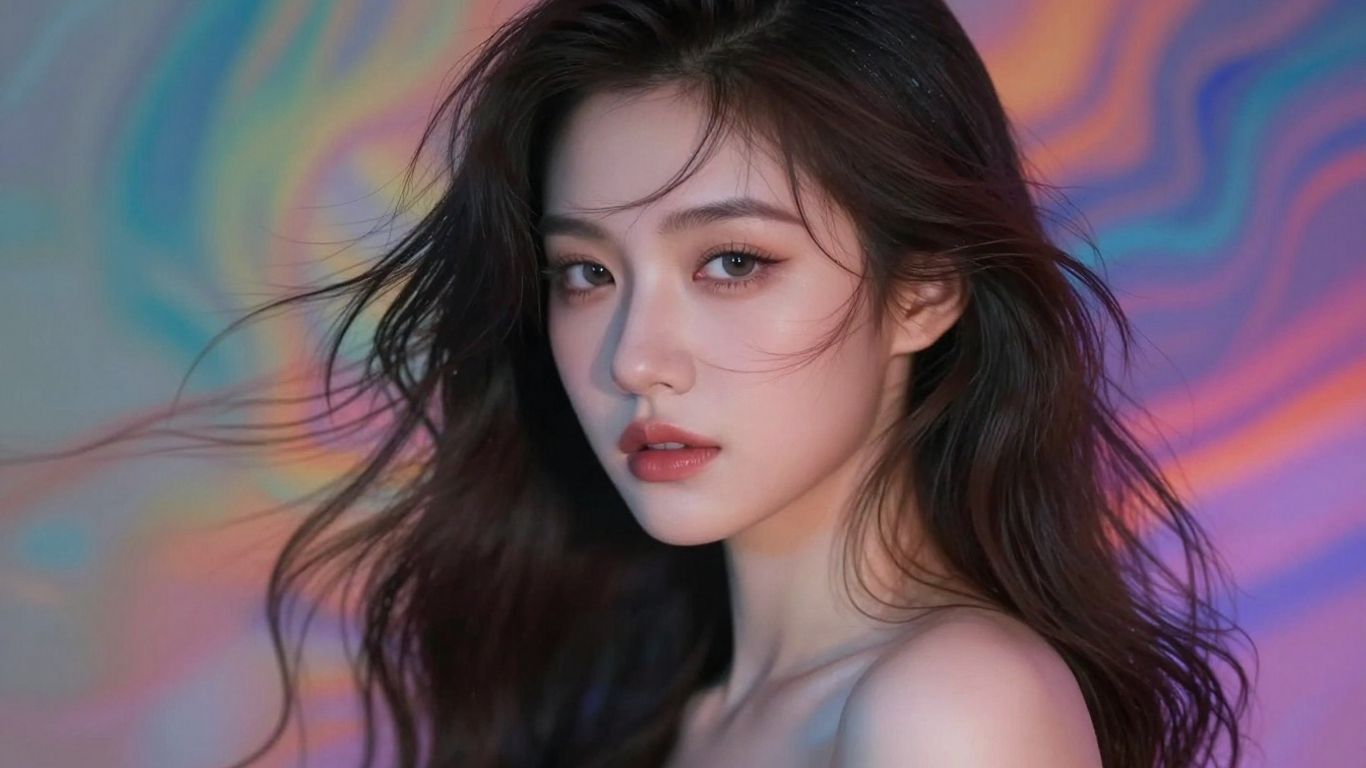
Alright, so you've got this idea in your head, and you want to see it as an image. That's where this part comes in. We're going to break down how to actually get the AI to make the picture you're imagining, not just some random thing. It's not rocket science, but it does take a little bit of know-how.
Crafting Effective Text Prompts
This is probably the most important bit. Think of the AI as a super-talented artist who needs clear instructions. If you just say "dog," you might get any dog, anywhere. But if you say "a fluffy golden retriever puppy sitting in a field of sunflowers during golden hour, looking happy," you're going to get something much closer to what you pictured. The more specific you are, the better the AI can understand your vision.
Here's a simple way to think about building a prompt:
- Subject: What is the main thing in the image? (e.g., a cat, a spaceship, a fantasy castle)
- Action/Setting: What is the subject doing, or where is it? (e.g., sleeping on a cloud, orbiting a red planet, perched on a mountain)
- Style/Mood: What should it look like? (e.g., photorealistic, cartoonish, moody, vibrant)
- Details: Any extra bits? (e.g., wearing a hat, with glowing eyes, in the rain)
Don't be afraid to experiment. Sometimes a weird combination of words can lead to something surprisingly cool. You can find some great examples of prompt structures online that can help you get started.
Remember, the AI doesn't know what you're thinking. It only knows the words you give it. So, be generous with the details.
Selecting the Right AI Model
Not all AI models are created equal. Some are super fast but might not be as detailed. Others take a bit longer but produce really high-quality results. It's like choosing between a quick sketch and a detailed oil painting.
- Flux Schnell: Great for when you need something fast. Good for quick ideas or lots of variations.
- Flux Dev: A good balance between speed and quality.
- Flux Dev Ultra: For when you need the absolute best detail and realism. Takes a bit longer, though.
- Stable Diffusion XL: Known for its versatility and ability to handle complex prompts.
- Nano Banana 2: Offers unique styles and capabilities.
It's worth trying out a few different models with the same prompt to see which one gives you the look you're going for. You might be surprised by the differences.
Applying Styles, Lighting, and Color Tones
This is where you really start to shape the image. Most generators let you pick from a bunch of pre-set options.
- Styles: Think "photographic," "anime," "cinematic," or "digital art." This sets the overall artistic feel.
- Lighting: Do you want it to feel like a bright sunny day (Golden Hour), a dramatic movie scene (Studio), or something else? Lighting changes the mood a lot.
- Color Tones: Do you want bright, happy colors, or something more muted and serious? You can go for warm, cool, vibrant, or even black and white.
Playing with these settings can completely transform an image. You can take a simple prompt and make it look like a professional photograph or a piece of fantasy art just by tweaking these options. It's all about setting the right mood and aesthetic for your creation.
Advanced Techniques for AI Image Creation
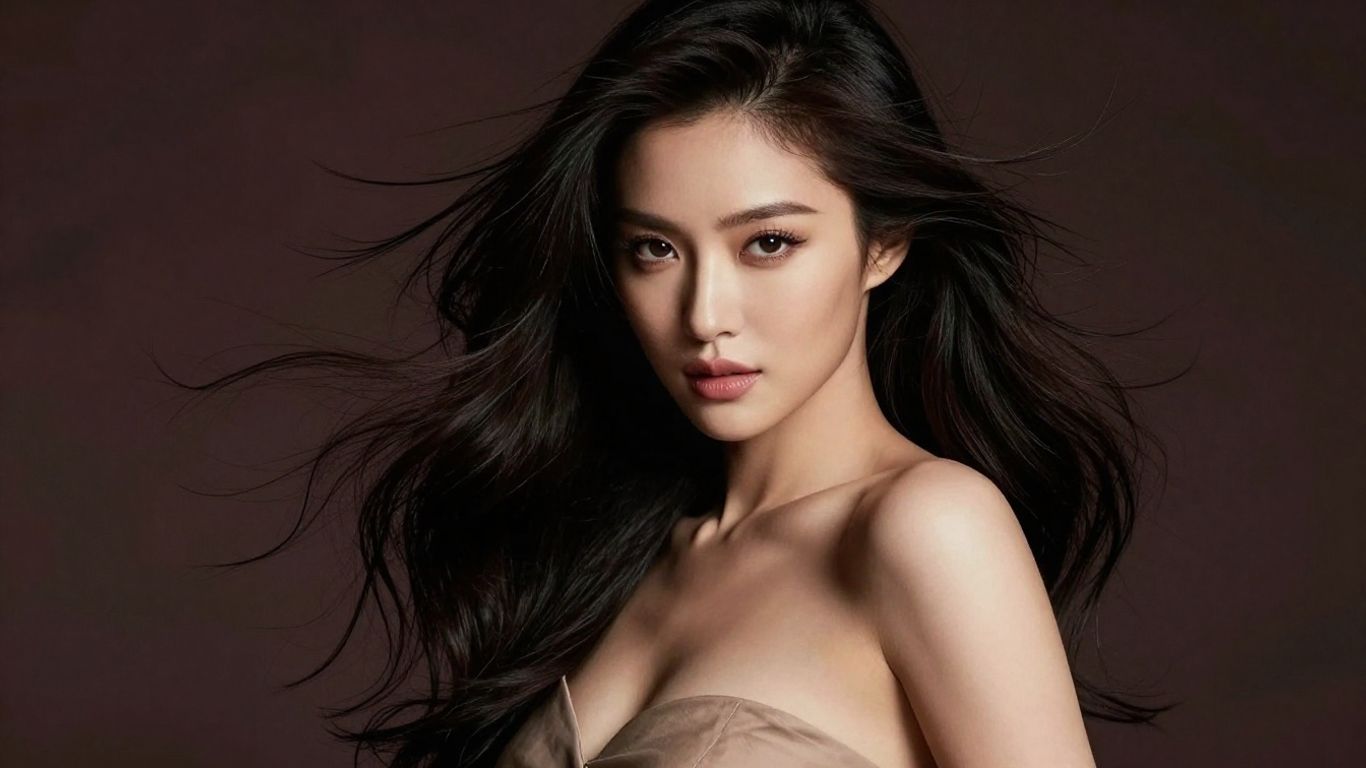
Utilizing Reference Images for Precision
Sometimes, just typing words isn't enough to get the exact image you're picturing. That's where reference images come in. You can upload a photo you like, and the AI will use it as a guide. It can help match the composition, the colors, or even the main subject. This gives you way more control than just using text prompts alone. It's like giving the AI a visual example to work from, making it easier to get that specific look you're after. This is super helpful if you're trying to create something that looks like a particular style or has a certain feel. You can find some great examples of how to use this feature on sites that offer advanced AI image tools.
Exploring Composition and Framing Options
AI image generators often let you pick from different ways to frame your subject. Think about things like:
- Close Up: Focuses tightly on a specific detail.
- Wide Angle: Shows a broad view of the scene.
- Shot From Above: Gives a bird's-eye perspective.
- Blurry Background: Makes your main subject pop by blurring what's behind it.
These options can really change the mood and impact of your image. You can also play with lighting and color tones. For instance, 'Golden Hour' lighting gives a warm, soft glow, while 'Studio' lighting is clean and even. For colors, you might choose 'Vibrant' for something energetic or 'Muted' for a more subdued feel. Combining these elements helps you craft a more specific visual narrative. Getting good at this is part of what they call prompt engineering.
Leveraging Multiple AI Models for Diverse Results
Not all AI models are created equal. Some are built for speed, others for maximum detail, and some excel at specific art styles. If you're not getting what you want from one model, don't be afraid to switch. For example, one model might be great for photorealistic images, while another is better for fantasy art. Trying out different models can lead to unexpected and really cool results. It's worth experimenting to see which model works best for your particular project. You might find that a combination of models, used at different stages, can produce something truly unique.
Using reference images and understanding composition are key steps to moving beyond basic AI image generation. They allow for a much finer degree of control over the final output, making the AI a more predictable tool for creative work.
Refining Your AI-Generated Images
So, you've got an image from the AI, and it's pretty good, right? But maybe it's not exactly what you had in mind. That's totally normal. Think of the first generation as a rough draft. Now, we get to polish it up.
Editing AI Art with Professional Tools
Once you have your AI creation, you're not stuck with it as is. You can take it into a proper editing program, like Pixlr Express, and really tweak things. This is where you can fix small issues, adjust colors, or even add elements that the AI missed. It's like having a digital darkroom for your AI art. You can make those AI images look like they came straight out of a professional studio. For instance, if the lighting isn't quite right, you can adjust it. If a color feels off, you can correct it. It's all about making the image work for your specific needs.
Enhancing Images with Generative Fill and Expand
This is where things get really interesting. Tools like Generative Fill let you select a part of your image and tell the AI what to put there instead. Need to add a tree to a landscape? Select the empty space and type 'tree'. Boom. Or maybe your image is too small, and you need to make it bigger without just stretching it. Generative Expand can intelligently add more background, keeping the style consistent. It's a game-changer for adapting images to different sizes or adding details that weren't there initially. It's a powerful way to fix images that don't meet your expectations.
Achieving Polished, Production-Ready Visuals
Getting an image from the AI is just the first step. To make it truly usable, especially for professional work, you need to go through a refinement process. This involves:
- Color Correction: Adjusting hues, saturation, and brightness to match your project's palette.
- Detail Enhancement: Sharpening areas that look a bit soft or cleaning up minor AI artifacts.
- Composition Adjustments: Cropping or using Generative Expand to get the perfect framing.
- Adding Effects: Applying subtle filters or textures to give the image a unique feel.
The goal here is to bridge the gap between a raw AI output and a final piece that looks intentional and professional. It takes a bit of practice, but the results are worth it.
Remember, these AI tools are amazing starting points, but the real magic often happens when you combine their power with your own creative eye and editing skills. It's about using the AI as a collaborator, not just a vending machine for images. You still need to make sure the final product aligns with your vision and meets any specific requirements, like those found in terms and conditions for online services.
Exploring the Possibilities of AI Art
So, you've gotten the hang of making images from text, which is pretty cool. But what else can you actually do with this stuff? It’s not just about making a picture of a cat in a hat, though that’s fun too. AI art generators are opening up a whole new world for creators, whether you're just messing around or trying to make something for a real project.
Creating Unique and One-of-a-Kind Images
Think about it: you can describe something that doesn't exist, and the AI can bring it to life. This means you can create visuals that are totally new. Maybe you need a specific kind of fantasy creature for a story, or a futuristic cityscape that's never been seen before. The possibilities are pretty much endless. You can even combine different ideas in ways that would be impossible in the real world. This ability to generate truly novel imagery is one of the most exciting aspects of AI art. It’s like having a dream machine that can draw.
Generating Images for Commercial Use
This is where things get really interesting for businesses and marketers. Need a specific product shot but can't afford a photoshoot? AI can help. You can generate images for ads, social media posts, website banners, or even book covers. For instance, if you're selling a product, you can create lifestyle images showing it in use, without ever needing a model or a location. You can also generate unique graphics for branding. Just be mindful of the terms of service for the AI tool you're using, as some have restrictions on commercial use.
Here’s a quick look at what you can control:
- Styles: Pick from options like Anime, Cinematic, Digital Art, or Analog Film.
- Lighting: Set the mood with presets like Golden Hour, Studio, or Dramatic.
- Color Tones: Choose Warm, Cool, Vibrant, Muted, Pastel, or Black and White.
- Composition: Frame your subject with Close Up, Wide Angle, or Macro shots.
The Future of AI in Visual Creation
It's hard to say exactly where this is all headed, but it's moving fast. We're already seeing AI tools that can create short videos or even animate still images. Imagine generating entire animated sequences just by describing them. Tools are also getting better at understanding complex prompts and producing more realistic or artistically coherent results. It feels like we're just scratching the surface of what's possible. The way we create and consume visual content is likely to change a lot in the coming years, and AI will be a big part of that. It’s exciting to think about what new forms of art and media might emerge from these advancements, perhaps even leading to new kinds of digital art.
AI image generation is rapidly evolving, moving beyond simple text prompts to offer sophisticated control over artistic output. As the technology matures, it promises to democratize visual creation, making professional-quality imagery accessible to a wider audience and pushing the boundaries of creative expression.
Conclusion
So, that's the lowdown on making images with AI. It's not some magic trick; it's a tool that lets you bring your ideas to life visually, whether for fun or for work. You can start simple with just text, or get fancy with reference images and different models. The best part? You can tweak and polish what the AI gives you until it's exactly what you pictured. The technology is only getting better, so now is a great time to jump in and see what you can create. Go ahead, give it a try and make some cool stuff!
Frequently Asked Questions
What exactly is an AI image generator?
Think of it like a digital artist that listens to your descriptions. You type what you want to see, and the AI makes a picture based on your words. It's a tool that helps you create images without needing to draw or paint yourself.
How does an AI make these images?
These AI programs have looked at millions of pictures and read their descriptions. When you give them text, they use what they've learned to put together a new image that matches your words. It's like they're guessing what the picture should look like based on all the data they've seen.
Are the images I create totally unique?
Yep, pretty much! Every time you ask the AI to make an image, it comes up with something new. You don't have to worry about making the same thing as someone else. It's a fast way to get original visuals.
Can I use these AI images for my business?
In most cases, yes! Many AI tools let you use the images you create for things like your website or social media posts. Just be sure to check the specific rules of the tool you're using, as some might have small conditions.
Is it hard to get started with AI image creation?
Not really! Most tools are made to be easy to use. You just need to write a description. Some tools offer more options if you want to get fancy, but you can start making images right away with simple instructions.
Do I need to pay to create images with AI?
Many AI image tools have a free option that lets you create a certain number of images. You might get a set amount of credits when you first sign up, or a daily limit. If you want to make a lot of images, you might need to pay for more credits or a subscription.