Blog › A comprehensive guide to AI nude generators: features, privacy, and creation tools
A comprehensive guide to AI nude generators: features, privacy, and creation tools
Learn how an AI nude generator works, how to choose private platforms, and tips for realistic image creation.
Key Takeaways
Creating personal adult media via specialized software requires an understanding of how diffusion technology turns text into visuals. Use these guidelines to safely manage your creative process and output quality.
- Diffusion models predict pixel patterns to generate images from data.
- Select platforms that respect your privacy and data security.
- Prioritize platforms that offer transparent, pay-as-you-go credit systems.
- Always ensure your creations involve only consenting adult subjects.
- Master negative prompts to improve anatomical accuracy in your output.
Understanding the technology behind AI nude generators
Modern image tools function by analyzing vast datasets to learn the relationship between descriptive text and complex visual patterns. An AI nude generator operates by deploying diffusion models, which iteratively refine random noise into organized pixel arrangements based on the constraints provided in a user prompt. This process creates realistic skin textures that capture light, shadow, and depth in ways that mimic traditional photography.
How diffusion models create adult content
Diffusion models start with pure noise and gradually denoise the frame until it matches the concepts described in your prompt. This method allows the machine to construct specific body types, poses, and anatomical details from scratch without relying on pre-existing image databases. You can create uncensored content by providing specific adjectives that direct the model toward desired physical attributes while maintaining consistency throughout the generation process.
Generating realistic textures and anatomy
Achieving high fidelity depends on the quality of the training data focused on human anatomy and material surfaces. These tools use specific vectors for skin, clothing, and background depth to ensure the final image maintains a cohesive logic. By adjusting your vocabulary for lighting and texture, you guide the model to render skin with natural variations, which is vital for preventing the flat or plastic appearance seen in lower-tech applications.
The difference between static images and animated video
Static images use a two-dimensional grid to define the composition, whereas video models must maintain spatial consistency across multiple frames. Animator Hub enables users to transition between these states by utilizing different processing engines. While a still image focuses on camera angle and body pose, video generation requires the system to calculate motion vectors to keep characters and environments stable during movement.
Maintaining persona consistency in AI-generated media
Keeping the same character identity across various scenes presents a unique technical hurdle for generative software. This works best when you use stable seeds or reference images that serve as a consistent blueprint for the AI. By assigning specific personality traits to your characters, the model creates outputs that match your vision across multiple sessions.
Exploring different generation modes for NSFW content
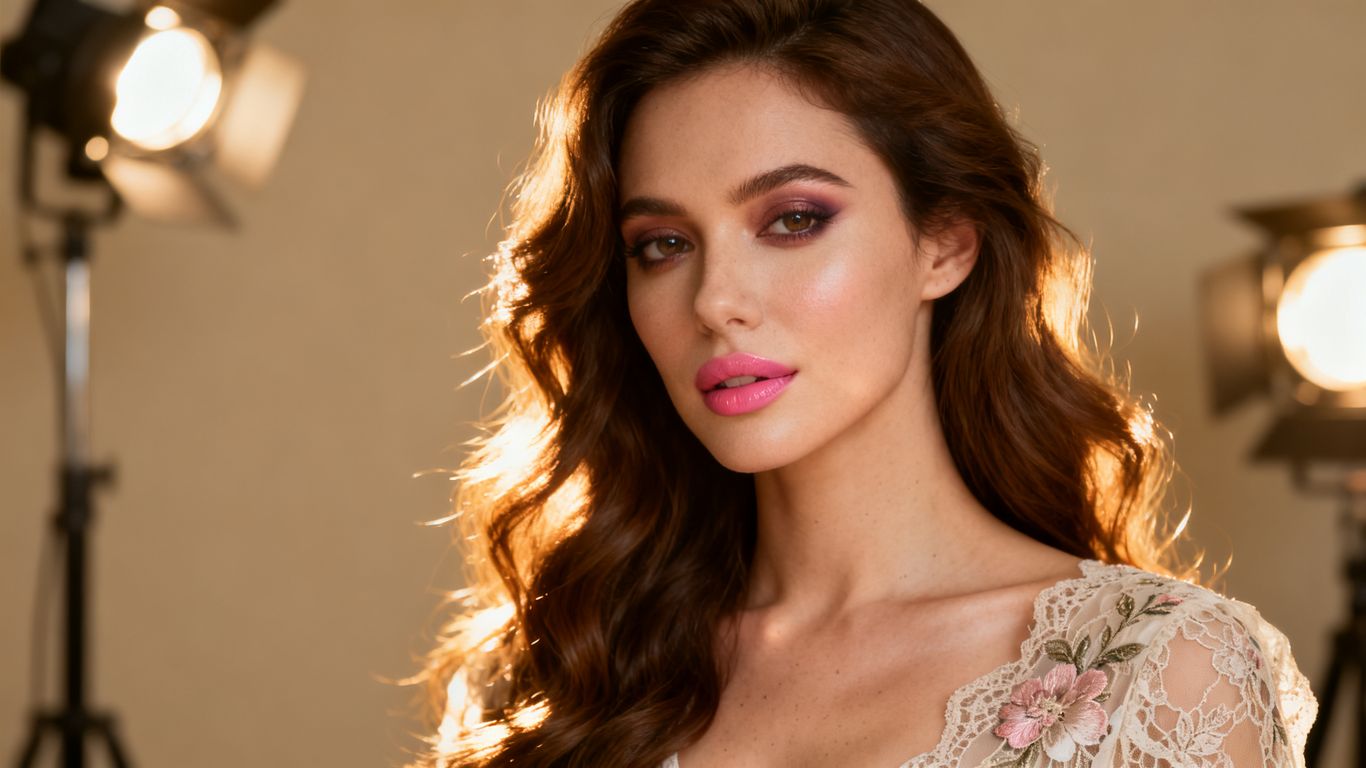
Choosing the right mode lets you approach creativity from various directions, whether you are starting from a blank page or transforming existing files. You might want to generate a new character from a text prompt or animate a static picture. The following table summarizes the primary generation methods accessible to creators.
| Generation Mode | Input Method | Ideal Use Case |
|---|---|---|
| Text-to-Image | Plain language | Fantasy scenes and characters |
| Image-to-Video | Still photograph | Animating poses and expressions |
| Video-to-Video | Source footage | Restyling scenes and outfits |
Text-to-image prompting for realistic results
Writing effective prompts requires a balance of detail regarding subject, setting, and style. You should define the shot size and background colors to prevent the model from guessing the composition. The best AI generators allow you to specify focal length and lens types, which adds an authentic feeling to your adult art.
Animating still photography with image-to-video tools
Applying motion to a static source file helps bring personality to portraits. These systems interpret the depth map of your photo and apply subtle movements such as head turns or blinking. The output reflects both the original file and the specific prompt instructions you include during the conversion stage.
Restyling existing footage using video-to-video processing
Video-to-video tools permit you to change the environment or clothing of a character while preserving their movement and frame sequence. You simply provide the исходный clip and describe the desired aesthetic change. This provides a way to remix personal videos into new, fantasy-inspired sequences without needing a traditional film set.
Leveraging AI companions for interactive storytelling
Interactive characters allow you to build an ongoing relationship within a private digital space. By using platforms like HeraHaven, you can dictate personality, age, and mood, creating a custom experience that responds to your conversation. Animator Hub supports this by keeping consistent personas that remember your preferences and previous interactions during long-form sessions.
Essential features to look for in uncensored platforms
Selecting a platform requires attention to how it handles your data and identity. A dedicated service should keep your information isolated from public social feeds so that your projects remain yours alone. Consider these core requirements to ensure your work stays private and secure:
- Complete anonymity with no visible public display names.
- End-to-end encrypted storage for all generated outputs.
- Transparent payment options like cryptocurrency for extra privacy.
- Access to detailed prompt guides and cinematic vocabulary.
Prioritizing anonymous account and profile security
Your creative output is your own, so you should ensure the platform does not force you to maintain a public profile. Look for services that employ secure login methods that prevent tracking your browsing habits across the web. Animator Hub protects your identity by default, ensuring your gallery is never shared or visible to other users.
Transparent pay-as-you-go credit systems
Avoiding monthly subscriptions keeps your costs linked solely to your active usage. This method allows you to experiment with different prompts without feeling pressured by a recurring fee. When a platform measures output by the second or the frame, you get more control over your individual budget for every project.
Access to advanced prompt enhancement tools
Built-in utilities can help you fix ambiguous instructions before you hit the generate button. These tools suggest better vocabulary for camera movement or specific lighting conditions. Using advanced prompt enhancement features ensures that the model interprets your vision with clarity, leading to fewer failed generations.
Privacy-focused storage in private media vaults
All generated files should reside in a protected area that only you can access via your authenticated account. A secure vault allows you to organize your media into specific albums, which helps manage longer narrative projects. This setup ensures that your files are private from the moment of generation until you decide to export or delete them.
Ethical use and content safety in AI generation
Understanding the legal landscape is part of being a responsible user of modern technology. Journalists have reported on lawmaker concerns regarding the growth of synthetic media tools and the general focus on consent. Responsible platforms mandate that you only generate content involving consenting adults and clearly display their content policies upon arrival.
Mandatory age verification and content policies
Platforms operating in the adult space must implement robust age checks to prevent access by minors. This check acts as a boundary that confirms users are 18 and older before they can view or create content. Verified platforms strictly forbid any content involving non-consenting individuals or minors.
Understanding the limits of uncensored AI tools
While uncensored platforms remove heavy filters on content themes, they still function under the laws of their host country. It is your responsibility to ensure you follow local guidelines during your personal exploration. These tools are meant for creative adult self-expression and should not be used to harass others.
The importance of consent-based synthetic media
True consent is the foundation of any adult content you generate. You should only use these tools to create representations of yourself or individuals who have given their permission. This is vital for maintaining the health of the community and ensuring technology serves your personal imagination rather than harming others.
Navigating platform-specific safety restrictions
Every studio establishes its own house rules regarding what is allowed on their servers. You should review these policies to understand what types of content trigger a system notification or rejection. Most platforms have clear guidelines regarding themes that remain off-limits, so always review the footer links on your dashboard.
Improving the quality of your AI-generated output
Refining your images comes down to mastering the vocabulary of film production. When you explain a scene to an AI, using technical terms helps the model place objects precisely within the frame. You should experiment with combinations of lighting, lens choices, and composition until you find the look that works for your specific theme.
Mastering cinematic lighting and composition vocabulary
Describing lighting conditions like Rembrandt, rim light, or soft diffused glow tells the AI how to sculpt the subject. You can also dictate composition by using terms such as close-up, wide shot, or overhead angle. This level of technical input dramatically changes the final render, moving it from a generic illustration toward a professional-grade image.
How to use negative prompts to fix anatomy and artifacts
Negative prompts tell the machine exactly what you want it to avoid, which is crucial for handling complex areas like hands or eyes. If you notice distorted features, list those terms in the negative prompt field to ensure the model focuses on structural stability. This process is trial-and-error, but it produces more consistent results over time.
Balancing personality traits and physical attributes
When building a persona, you need to describe how they act as much as what they look like. In Animator Hub, you can save your preferred character profiles using detailed descriptions that define both appearance and disposition. This ensures that every clip you generate follows the internal logic you established for that character.
Advanced techniques for multi-shot narrative sequencing
Creating a longer video sequence requires mapping out the story across multiple shots. You can achieve this by breaking your narrative into small, five-second clips that you stitch together later. By keeping your prompt structure consistent across these individual segments, you maintain the pacing and aesthetic unity required for a full story.
Conclusion
Using AI to express your personal interests allows for a wide range of creative growth if handled with care and attention to privacy. When you treat these tools as an extension of your own imagination, you gain the ability to output high-quality media on your own schedule. By following professional workflows such as using negative prompts and prioritizing secure storage, you ensure your private content stays safe while you explore new artistic frontiers.
Frequently Asked Questions
How do AI generators ensure the skin looks realistic?
They achieve this using advanced diffusion models that analyze millions of data points to replicate natural lighting, shading, and texture variables found in human skin.
Can I generate faces that look like specific people?
It is best to generate unique characters or use reference images you own provided by a person who has consented to the use of their likeness.
Is it safe to store my generated images on these platforms?
Look for platforms that offer end-to-end encrypted storage and private media vaults, which ensure that only you can access your saved projects.
Why do some of my videos look blurry or distorted?
Blurriness often occurs when the prompt lacks clear instructions for focal length or resolution, or when the system encounters conflict in its motion calculations.
Are there ways to prevent anatomy errors like fingers or toes?
Yes, using negative prompt tools that strictly define what the system should ignore will help significantly reduce common rendering artifacts.
What is the advantage of using credits instead of a subscription?
Credits let you pay only for the work you generate, avoiding the financial commitment of a monthly plan that might sit unused during quieter creative periods.
What should I do if I want to make longer narrative pieces?
Focus on planning your scenes in smaller, shot-by-shot segments, which you can easily combine using modern video editing software to create a cohesive final narrative.