Blog › Uncensored male text-to-image AI: how to create private adult visuals with AI
Uncensored male text-to-image AI: how to create private adult visuals with AI
Uncensored male text-to-image AI: create private adult visuals with better prompts, character control, and privacy.
Key Takeaways
Uncensored male text-to-image AI works best when you treat the prompt as a visual brief, not a single request for “something sexy.” The strongest results come from clear character details, adult-only boundaries, and a private workflow.
- Define the character’s face, body, style, and personality before requesting a scene.
- Use pose, expression, clothing, setting, lighting, and camera language together.
- Keep fictional characters clearly adult and avoid any depiction involving minors.
- Save useful references and prompt details when visual consistency matters.
- Check credit costs, storage settings, and privacy terms before generating intimate media.
What uncensored male text-to-image AI can create
Uncensored male text-to-image AI can turn a written character brief into portraits, relationship-focused scenes, fantasy artwork, and adult visual concepts. The point is not simply removing refusals. It is giving you room to describe a fictional adult man with a particular look, mood, and role, then refining the result until it feels intentional.
A good workflow starts with a stable subject and adds the scene afterward. That keeps the character readable instead of burying his identity under too many visual instructions.
Personalized male AI companions and character concepts
A male AI companion can begin as a simple profile and become a repeatable visual character. Give him a name, age, body type, hair, occupation, personality, relationship role, and preferred style. These details make later requests feel connected rather than like unrelated stock portraits.
For a more interactive approach, adult image and video tools can sit alongside companion chat and character experiences. Keep the character fictional, adult, and consistent across your notes so each new scene has a clear starting point.
Adult portraits, selfies, and fantasy scenes
Portrait prompts are usually easier to control than busy group scenes. Start with the man’s appearance and expression, then ask for a selfie, an outfit shot, a bedroom portrait, or a fantasy setting. If the pose or intimacy matters, describe it plainly while keeping the character and every participant clearly 18 or older.
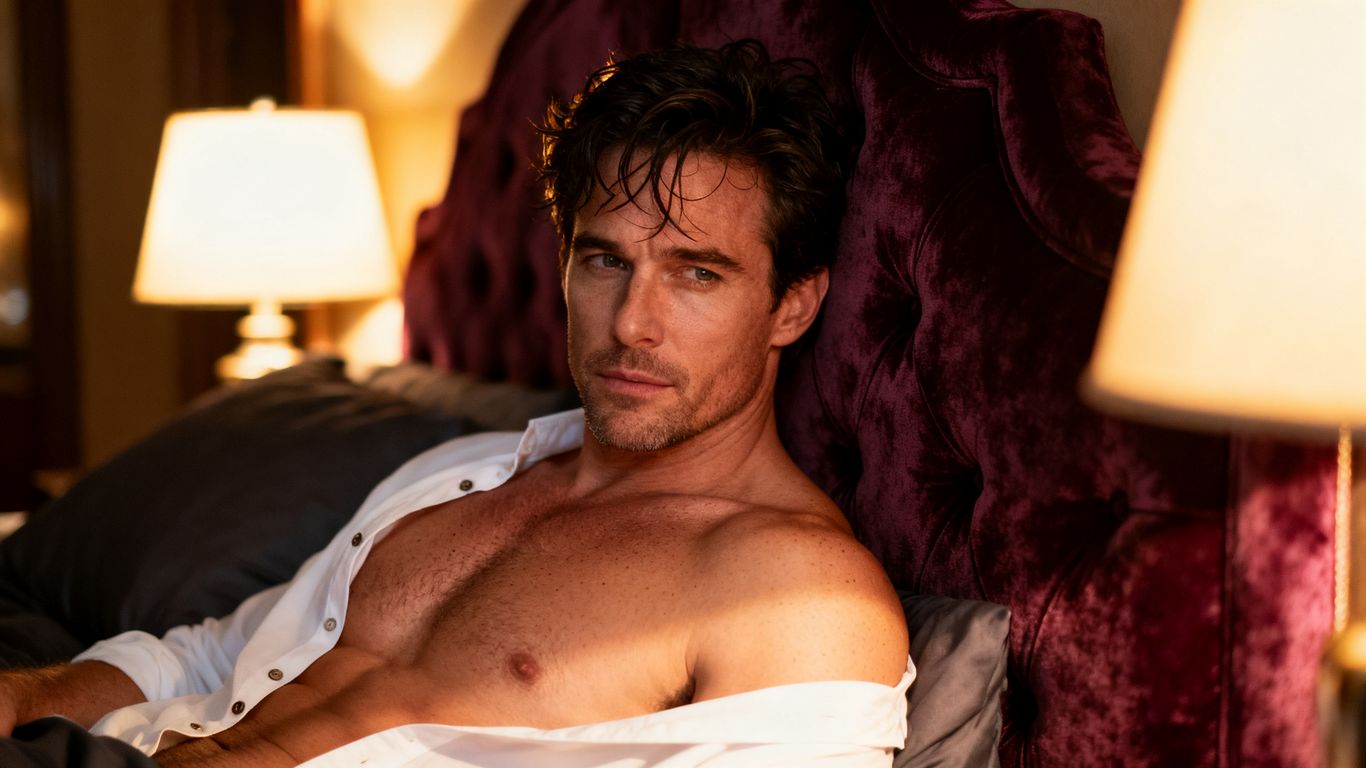
The best adult concepts still have ordinary visual anchors: a rumpled shirt, warm bedside light, a mirror reflection, or a specific camera distance. Those small choices give the generator something concrete to arrange.
Realistic and anime-inspired visual styles
Realistic prompts benefit from skin texture, natural lighting, lens choice, and restrained retouching. Anime-inspired prompts need clearer style direction, such as cel shading, expressive eyes, clean linework, or a selected color palette. Mixing both approaches can work, but too many style labels may make the result muddy.
You can also set the same character in different visual languages. A realistic morning portrait and an anime fantasy scene may look different while retaining the same hair, eye color, body shape, and signature clothing.
How text prompts shape the final image
A text prompt acts like a priority order. Subject details establish who is visible, action details establish what he is doing, and camera details establish how the viewer sees the scene. Specific visual anchors matter most when the request includes adult content, unusual costumes, or a dramatic setting.
Try changing one group of details at a time. If the face is right but the pose is wrong, revise the action instead of rewriting the entire character description. That makes each result easier to compare.
How to create a male AI character in Animator Hub
Animator Hub’s My Lover experience supports adult users who want to meet, create, chat with, and generate media with personalized AI lovers. The character process begins with either a preset companion or a custom build in Creator Studio. You can set appearance, personality, relationship details, voice, orientation, and realistic or anime style.
Treat the character profile as the source document for later images. A stable profile gives you a stronger reference than starting from a new description every time.
Choose an existing male companion
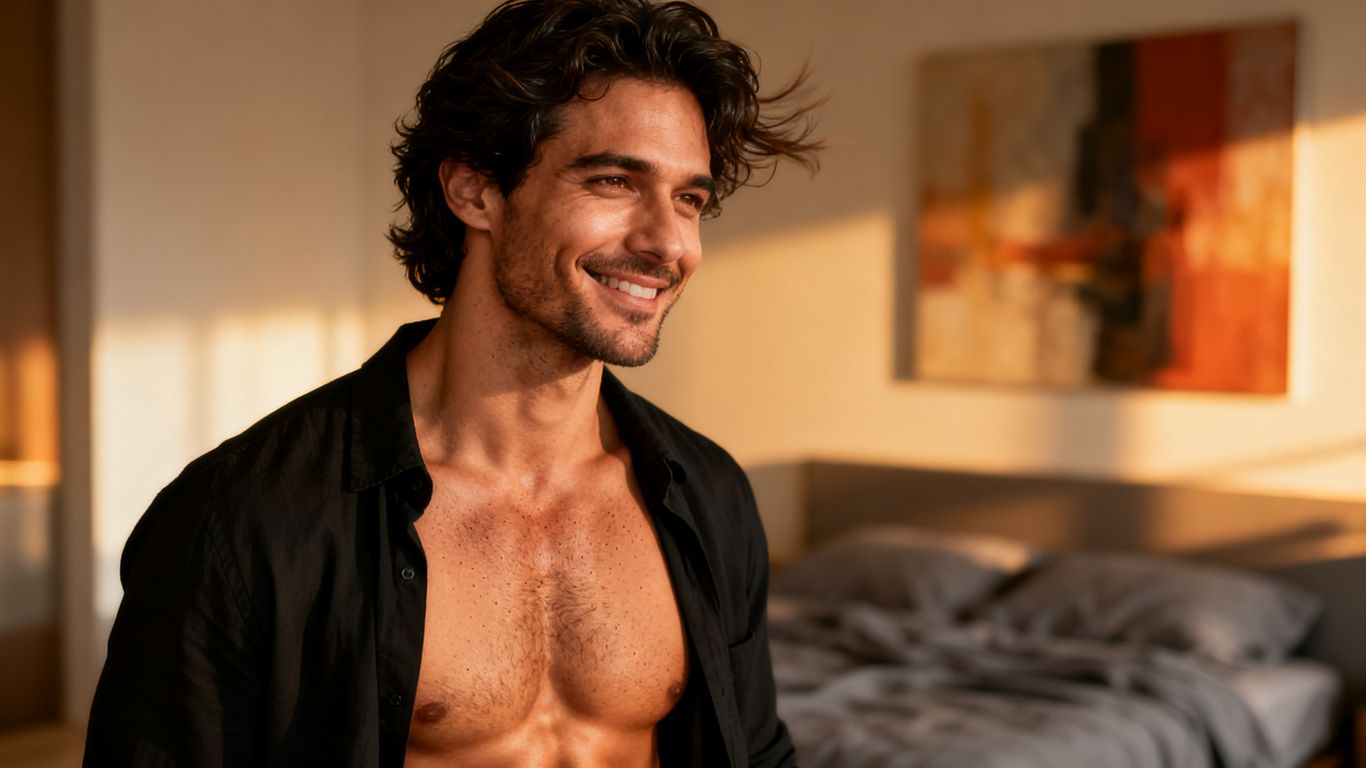
The preset roster includes male companions and characters across different orientations, with individual personalities, bios, ages, and looks. Choosing one first is useful when you want to test the chat and media experience before spending time on a custom profile.
Read the character details, then make a short private note of the features you want to preserve. Hair, facial hair, eye color, build, and general temperament are usually more useful than a long decorative biography.
Build a custom lover with Creator Studio
Creator Studio is a step-by-step builder for making a partner to your preferences. It lets you select an AI-generated image or upload your own reference, then move through identity, appearance, personality, relationship, and other character settings.
Build in a logical order. Start with identity and physical features, then choose the emotional tone and relationship role. This gives later photo requests a clear persona instead of a collection of disconnected traits.
Define appearance, personality, and relationship details
Appearance settings cover details such as body type, hair color and style, and other physical characteristics. Personality options include playful, dominant, submissive, shy, and quirky, while relationship choices range from stranger and colleague to boyfriend, husband, friend, or boss.
These settings should support the image brief rather than replace it. A “shy boyfriend” can still need a separate prompt for a relaxed expression, a particular outfit, and the exact room where the scene takes place.
Select a voice, orientation, and character style
The builder includes voice selection, orientation choices, and a realistic or anime character style. Choose these with the intended experience in mind. A realistic voice and cinematic portrait may feel coherent together, while a bold anime design may call for brighter colors and more graphic facial direction.
Keep the visual style stable during the first few generations. Once the face and proportions feel dependable, test controlled changes such as a new outfit, location, or time of day.
How to write effective prompts for male AI images
An effective prompt does not need to be huge. It needs to answer the visual questions a photographer or art director would ask: who is present, what is happening, where it takes place, and how the camera sees it. Start with the subject, then add only the details that affect the image you want.
Write in layers and revise with purpose. A short prompt can produce a useful base, while a second version can correct framing, anatomy, mood, or unwanted objects.
Describe the subject, pose, and expression
Begin with age, gender presentation, body type, hair, face, and expression. Then specify the pose, hand position, eye direction, and body angle. “Adult man with dark curls, athletic build, leaning against a kitchen counter, half-smiling toward the camera” gives the model more to work with than “handsome guy.”
Keep the pose physically plausible. If the scene is intimate, describe the mood and interaction in direct adult language while avoiding ambiguity about age.
Add clothing, setting, lighting, and composition
Clothing and setting establish context, while lighting and composition control the visual finish. Mention fabric, color, location, time of day, light direction, shot size, and camera angle when those choices matter.
A useful prompt structure is subject first, action second, environment third, then lighting and composition. Animator Hub also provides an in-app Guide with prompt recipes and cinematic vocabulary for these kinds of decisions.
Here is a compact way to separate the major prompt layers:
| Prompt layer | What to specify | Example direction |
|---|---|---|
| Subject | Age, face, body, hair | Adult man, dark curls, athletic build |
| Action | Pose, gesture, expression | Sitting, relaxed shoulders, direct gaze |
| Scene | Location, props, clothing | Bedroom, open shirt, soft sheets |
| Finish | Light, lens, composition | Warm window light, medium close-up |
The table is useful because it prevents one detail from carrying the whole request. If the output is attractive but poorly framed, revise the finish layer first. If the character looks wrong, return to the subject layer.
Use negative prompts to reduce unwanted artifacts
Negative prompts describe what should not appear. They can reduce extra fingers, warped hands, duplicate subjects, distorted eyes, unwanted text, harsh blur, or an accidental background crowd. Keep them short and tied to visible problems rather than adding every possible defect.
A practical negative prompt might include “extra limbs, duplicate person, malformed hands, blurry face, watermark, text, cropped head.” Review the result afterward and remove items that are not causing trouble.
Improve short prompts with automatic enhancement
Automatic enhancement can expand a brief request with camera, lighting, motion, or style language. It is useful when you know the scene you want but do not yet have the vocabulary to describe it precisely. Read the enhanced version when possible, because added details may shift the mood or composition.
You can also begin with a plain sentence and then manually correct the important parts. The goal is not a longer prompt. It is a prompt whose added detail serves the image.
A short tutorial on adult AI image prompting can help you see how small changes affect pose, framing, and visual style. Watch for workflows that compare prompt versions rather than promising one perfect formula.
How to generate private adult images
Private adult image generation starts with consent, age, and a clear understanding of where files are stored. Use fictional adults or references you have the right to use. Do not treat “uncensored” as permission to cross legal or safety boundaries.
Before generating intimate scenes, check the age gate and the platform’s content policy. Privacy also depends on your own device, account, downloads, backups, and sharing habits.
Start with the age gate and 18+ requirements
Animator Hub is for adults 18 and older and requires age confirmation on first visit. Every person depicted in an adult image must be clearly an adult. If a prompt makes age unclear, rewrite it with an explicit adult age and remove school-age or minor-coded details.
Do not use a real person’s likeness for intimate material without permission. Fictional characters and properly authorized references keep the creative process on firmer ground.
Request selfies, outfit shots, and fantasy scenes
Within a companion workflow, you can ask for a selfie, an outfit shot, or a fantasy scene. Describe the character’s pose, clothing, setting, and expression in the same order used for ordinary portraits. For adult scenes, keep the request direct, consensual, and limited to fictional adults.
A sequence of simple requests often works better than one overloaded scene. Start with a portrait, then request a new outfit or location while preserving the features that identify the character.
Keep generated media inside the private vault
Generated media in the companion experience is stored privately under the account and can be browsed by lover or in a single timeline. That makes the private vault a useful place to review earlier images before requesting another variation.
Privacy is still a practice, not just a setting. Use a secure account, avoid public sharing, check downloaded copies, and remove files you no longer need. Animator Hub describes its experience as anonymous by design, with no public profiles or public identity display.
For a private workflow, keep these habits close at hand:
- Use fictional adult characters or authorized references.
- Check the visibility setting before sharing anything.
- Store downloads in an account or device you control.
- Remove duplicate files from local folders and backups.
These steps reduce accidental exposure without making the creative process cumbersome. They also help separate private experiments from media intended for publication.
Understand the platform’s restrictions on illegal content
Unrestricted adult content does not include illegal content. The stated hard limits are content involving minors and CSAM of any kind, and users must be 18 or older. Do not try to evade those limits with coded wording, age ambiguity, or altered references.
If a concept depends on a minor, a real person without consent, or another illegal situation, discard it. Adult fantasy can be intense without relying on those subjects.
Image quality, consistency, and personalization controls
Good image quality is partly a generation issue and partly a direction issue. Stable character notes, sensible scene changes, and clear visual priorities usually produce more useful iterations than adding adjectives at random. Personalization works best when the character’s identity remains fixed while the scene changes.
You should also accept that a still image has limits. Hands, complex contact, reflective surfaces, and crowded compositions may need several passes and careful selection.
Maintain the same character across multiple images
Keep a compact identity sheet with the character’s age, face shape, hair, eyes, body type, skin tone, and distinctive marks. Reuse those details consistently, then change only one or two scene variables at a time. This makes it easier to see whether an output still belongs to the same character.
Reference images can help, but they should be clear, authorized, and suitable for the intended use. Avoid mixing several conflicting references unless you specifically want a hybrid appearance.
Match visual details to the companion’s persona
A character’s personality can guide visual choices without being stated as an abstract label alone. A playful persona might appear in a crooked grin and casual pose, while a reserved persona might call for softer eye contact and more contained body language.
Translate personality into visible behavior. Clothing, posture, facial tension, props, and room choice all communicate more reliably than a list of personality adjectives.
Balance realism, anime styling, and cinematic direction
Choose a dominant style before adding secondary influences. For realism, specify natural skin texture and photographic light. For anime, specify linework, shading, proportions, and color treatment. Cinematic direction can then add shot size, lens feel, contrast, and atmosphere without fighting the base style.
When an image looks inconsistent, simplify. Remove competing style words, shorten the camera instructions, and return to the core character description.
Use reference images responsibly
Only upload a reference image you created, own, or have permission to use. Do not turn a private person’s photograph into sexual media without informed consent. A reference should guide fictional or authorized character work, not bypass another person’s boundaries.
Crop references to the details that matter and avoid unrelated personal information in the frame. Delete source files when they are no longer needed, especially on shared devices.
Pricing, credits, and privacy considerations
Cost matters when you are testing many variations. The companion plans and credit options use a simple rule: five credits generate one image, while one credit generates one second of video and one credit covers ten chat messages. Confirm the current balance before a long session so experimentation stays predictable.
Animator Hub lists subscription plans alongside pay-as-you-go credit packs. Credits do not expire once purchased, and one-off top-ups are available for users who do not want a recurring commitment.
Understand the five-credit cost for one image
One image costs five credits in the documented credit model. That makes it easy to estimate a small batch, such as four images requiring twenty credits, before you start. Failed or unwanted generations can still make a session feel expensive, so refine the prompt before requesting many variations.
Keep a note of which prompt version produced the best result. Repeating a weak request only increases usage without improving the character.
Compare subscription plans with pay-as-you-go credits
The My Lover plans include monthly access options, while pay-as-you-go credits cover one-off generation needs. The listed three-month plan includes 100 credits per month, priority chat and voice, and cancellation at any time. A 100-credit one-off pack is listed at $30.
Choose based on usage rather than the headline discount. Occasional image requests may suit a credit pack, while frequent chat, voice, and media sessions may fit a monthly plan better.
Use crypto payments for additional transaction privacy
Cryptocurrency payments are supported, including BTC, ETH, USDT, and more. This can reduce the amount of payment information connected to a purchase, though it does not make a user invisible in every situation. Wallet activity, device data, account access, and local files still matter.
Animator Hub describes its account model as anonymous by design, with no public profile, no avatar, and no personally identifying information shown in the public interface. Read the privacy and payment terms before deciding what level of separation you need.
Review account storage, anonymity, and data handling
All user-uploaded files are stored privately and tied to the account, while companion media is kept in a private vault accessible only to the account holder. Check whether a file is private before sharing it, and remember that a downloaded copy may exist outside the platform.
Use a unique password, protect your email account, and review account access from time to time. Privacy is strongest when platform controls and personal device habits point in the same direction.
Conclusion
Creating private adult male visuals with AI is less about writing the longest prompt and more about controlling identity, scene direction, consent, and storage. Start with a fictional adult character, build a clear visual profile, refine one variable at a time, and keep intimate media in a private workflow. That approach gives you more consistent images without losing the freedom that makes uncensored generation useful.
Frequently Asked Questions
What is uncensored male text-to-image AI?
It is an image-generation approach that accepts broader adult visual prompts than heavily filtered tools, while still requiring users to follow legal and safety boundaries. “Uncensored” does not mean that illegal content is allowed.
Can I create a fictional adult male character?
Yes. A fictional adult character can be described through age, appearance, personality, clothing, relationship role, pose, and visual style. Make the character clearly 18 or older in both the profile and the prompt.
How do I keep the same male character across images?
Reuse a concise identity description and, where supported, an authorized reference image. Change the setting or outfit gradually instead of rewriting every characteristic in each request.
What should an adult image prompt include?
Include the subject, age, pose, expression, clothing, setting, lighting, composition, and desired style. Add negative prompts for visible problems such as duplicate people, distorted hands, blur, or unwanted text.
Is it safe to use a real person’s photo for adult AI images?
Only use a real person’s photo for intimate generation when you have clear, informed permission and the intended use is authorized. Without consent, use a fictional character or a reference you have the legal right to use.
How can I keep generated adult media private?
Use private storage settings, secure your account and device, avoid public sharing, and check downloaded copies and backups. Platform privacy controls help, but they cannot protect files you later place in an uncontrolled location.
What content is not allowed in adult AI generation?
Content involving minors and child sexual abuse material are prohibited. Do not use age ambiguity, coded language, or real-person likenesses without consent to bypass those boundaries.