Blog › Uncensored AI: A complete guide to unrestricted creative tools
Uncensored AI: A complete guide to unrestricted creative tools
Master the world of uncensored ai with this guide to unrestricted tools, privacy, and effective generation workflows.
Key Takeaways
Creating professional content requires tools that do not impose arbitrary restrictions on your artistic vision. This article identifies the core concepts behind open-source generation and how to maintain privacy while building your portfolio.
- Open-source models empower creators by providing unfiltered creative access.
- Privacy remains a top priority when choosing an uncensored provider.
- Strategic prompting yields cinematic results for adult storytelling.
- Animator Hub offers specialized tools for long-form video production.
- Understanding ethical boundaries ensures sustainable and responsible content creation.
Understanding how uncensored AI works
The role of open-source models in removing restrictions
Open-source models serve as the foundation for removing artificial barriers in generative media. By making the model weights and training data publicly available, the developer community creates versions of these tools that respond to prompts without moralizing or refusal triggers. These versions prioritize user intent above external policy constraints.
Distinction between filtered mainstream models and uncensored alternatives
Mainstream models are designed with safety wrappers that stop generation when a prompt touches specific adult or gritty themes. Alternatively, uncensored systems are stripped of these specific safety layers, which allows the model to process nuanced requests for adult content, violence, or specialized creative styles that major corporations often classify as prohibited. This distinction is vital for those who need a creative professional workflow that is not interrupted by external moderation.
Technical architecture of models without safety weights
These models operate by relying on raw data processing without a secondary filter heuristic that runs against the generated output. During a typical generation, the system prioritizes the correlation between the prompt and the expected visual content rather than cross-referencing against a database of forbidden concepts. This ensures rapid processing and adherence to the specific stylistic requests of the user.
Balancing creative freedom with platform-level safety standards
While the models allow for wide-ranging content, platforms offering access still enforce strict legal standards. Creating an environment that respects both artistic liberty and legal safety requires proactive platform management. It is possible to maintain a balance by utilizing strict age verification and clear guidelines that separate artistic intent from harmful or illegal material.
Core benefits of using uncensored AI tools
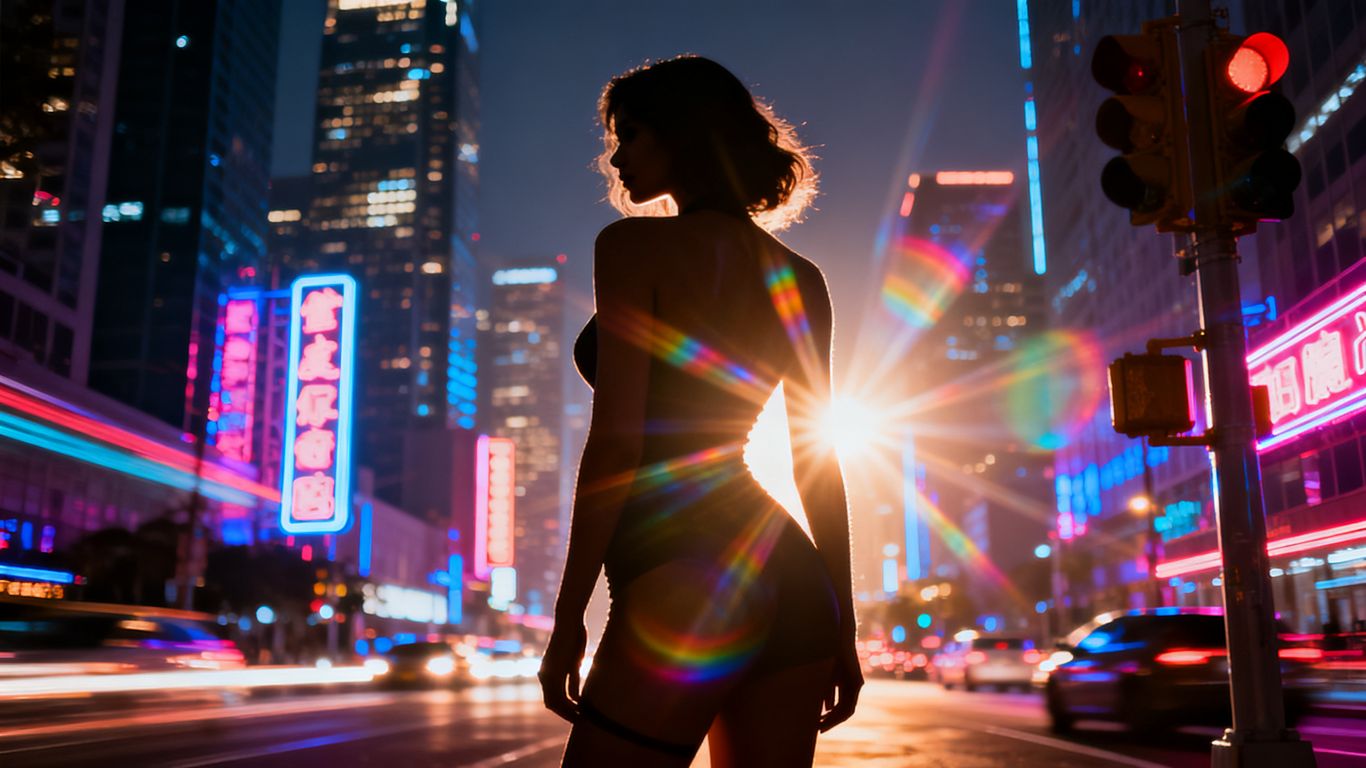
Eliminating artistic boundaries and restrictive content gating
Mainstream platforms often block common terms, forcing creators into convoluted prompt engineering just to bypass filters. Uncensored tools remove these barriers, allowing you to use direct language. This shift means creators can produce precisely what they visualize without fighting the software.
- Improved narrative freedom for adult scenes.
- No need for specialized prompt obfuscation techniques.
- Consistent behavior regardless of the character dynamics.
- Lower friction when building content series.
Enhanced control over character personas and complex narratives
When you remove content filters, character consistency becomes much easier to manage. Since the model does not fear generating adult scenarios, it maintains character attributes more accurately during long sessions. This is essential for creators who need their characters to evolve, react, and participate in complex stories that would normally cause a filter to trigger.
Improved authenticity in adult or gritty creative storytelling
Stories with mature themes gain depth when the AI is not forced to avoid reality. Gritty storytelling requires the ability to depict raw emotions, complex environments, and realistic human behavior. These tools allow for artistic expressions that would be impossible with traditional, filtered mainstream models such as those described in FreedomGPT.
Avoiding the "refusal" loops common in mainstream generative AI
Refusal loops happen when a filtered model incorrectly classifies a benign or creative request as a violation. By opting for a clean, uncensored environment, you stop wasting time on "I cannot help with that" responses. This keeps your momentum high and your media production consistent.
Why Animator Hub is a leader in uncensored video generation
Advanced generation modes covering text, image, and video inputs
Animator Hub gives you the power to translate ideas into media through text-to-video, image-to-video, and video-to-video workflows. Having these three modes ensures that your media retains your specific aesthetic. Understanding how these tools function helps in choosing the right air purifiers or environmental settings for your studio space to match your desired mood.
Intuitive prompt enhancement tools for highly specific scenes
When your initial idea needs more detail, the prompt enhancement features analyze your intent and add cinematic context. This saves hours of manual tweaking. Here is a quick comparison of our primary model tiers and their handling of specialized inputs:
| Model Tier | Primary Input Strength | Best Use Case |
|---|---|---|
| Standard | Text Descriptors | Quick scene layouts |
| Dynamic | Image Reference | Character consistency |
| Cinematic | Multi-Shot Clips | Professional storytelling |
Support for professional multi-shot cinematic sequences
Professional creators often need more than a single short clip. Multi-shot mode allows you to break your narrative into specific timestamps and shots. This level of control resembles editing a short film rather than just generating a single image. It is as structured as organizing Comfy Spaces where every element serves a specific purpose.
Flexible pay-as-you-go pricing without restrictive monthly subscriptions
Most platforms lock you into expensive tiers. Animator Hub lets you purchase credits as you need them. This flexibility is perfect for professionals who experience surges in project demand or for those just starting to learn the ropes of acrylic markers and digital art styles.
Prioritizing privacy in the uncensored space
The importance of anonymous-by-design account architecture
True privacy in the creative space means your profile, metadata, and uploads stay hidden from public view. Anonymity requires systems that treat user identity as a liability rather than a feature. When you engage with notrack.ai, your history is handled with this exact philosophy in mind.
Why cryptocurrency payments provide superior creator privacy
Cryptocurrency allows for secure transactions without attaching your real-world banking information to your creative output. This layer of separation is essential for any professional managing assets with MAC Chain. It ensures your financial actions remain disconnected from professional identities.
Secure handling of user-uploaded source files and project data
Files used to train or inform a generation must be kept behind secure walls. Your source visuals are your creative property. A platform that respects privacy will not crawl your private uploads for other training or training data purposes, even if that means browsing Uncensored AI options via a mobile interface.
Removing personal information and social identifiers from the user profile
Identity management should be optional. By stripping social identifiers, you prevent data leaks that could compromise your brand. This level of security is vital when working with platforms that offer Venice as an alternative for distributed content creation.
Mastering effective prompts for uncensored AI
Using cinematic vocabulary for lighting, composition, and lens choice
Refining your output starts with the language you use. Instead of basic requests, try detailing lighting temperatures, camera focal lengths, and depth of field. Use words like "dramatic rim lighting" or "wide-angle lens" to push the AI toward a specific cinematic look.
Strategies for negative prompting to exclude common visual artifacts
Negative prompting is the secret to clearing up your videos. When you specify what you do not want in the frame, the model prioritizes quality. Always include broad negative prompts like "blurry," "low-res," or "distorted features" to keep the output sharp.
Structuring narrative flow across multiple timed video shots
For complex scenes, sequence your video shots by describing them in chronological order within the prompt. Define the action in shot one, the transitions in shot two, and the resolution in shot three. This narrative consistency helps the model understand the pacing of your film project.
Utilizing in-app guides and prompt recipes to refine artistic results
Do not start from scratch. Many professional tools include recipe guides, similar to how Xiaohongshu shares content expertise. These recipes provide the backbone for complex lighting and motion, which you can then customize for your unique characters.
Navigating the legal and ethical landscape
Differentiating between artistic creative freedom and illegal content
Creative freedom is about the range of expression within the law. Always distinguish between adult content and illegal material. A responsible creator focus implies that you adhere to legal standards while pursuing your narrative goals.
Understanding platform-specific terms of service and content boundaries
Every studio has different terms. Familiarize yourself with the content policies to understand where the line between protected art and prohibited content exists. This transparency keeps your account safe and your production continuous.
The necessity of strict 18+ age verification for responsible access
Age verification is non-negotiable for 18+ platforms. It protects both the creator and the business, ensuring that viewers and creators are meeting the legal thresholds required to view adult material. It is a fundamental practice for all mature-oriented digital spaces.
Best practices for creators maintaining professional digital safety
Keep your assets in secure, encrypted formats. Regularly back up your work, and maintain different accounts for different project types. Digital safety is a process, not just a one-time setup.
Conclusion
Choosing the right tools for your creative endeavors is about balancing power with the right set of ethical and safety practices. By utilizing uncensored platforms that respect your privacy and provide professional controls, you open the door to limitless storytelling. Staying informed about your tools and maintaining high standards for your production ensures that your creative journey remains sustainable, professional, and entirely your own.
Frequently Asked Questions
Are uncensored tools legal to use?
Yes, as long as the generated content adheres to the laws of your jurisdiction, these tools are legal. They are software environments that follow your instructions without the additional filtering layers found in mainstream products.
Why do mainstream platforms use content filters?
Mainstream companies use filters to align their models with broad corporate safety policies that target the most sensitive audiences and avoid all possible controversy, regardless of user intent.
Can I use these tools for professional projects?
Many professionals use these tools for storyboarding, prototyping, and complex artistic work. The ability to control character consistency and visual style makes them valuable for independent cinematic production.
Is my data kept private on uncensored platforms?
Platforms vary, but professional-grade uncensored platforms prioritize privacy. Many use anonymous account structures and secure processing to ensure your uploaded files and generated history remain isolated from others.
How does video-to-video generation work?
This process uses AI to apply new styles or transformations to your original source footage. You upload your video, give the AI a style prompt, and the system replaces the visual layer accordingly.
What if I am not good at prompt engineering?
Most tools include built-in guides, helpers, and prompt enhancers. These features rewrite your basic thoughts into professionally structured prompts that the AI understands much better.
Do I need to be a programmer to use these tools?
No, these platforms are designed for creators, not coders. You interact with them through a standard web interface just like any other social media or design tool you might use for your daily projects.