Blog › The complete guide to abliterated model video generation
The complete guide to abliterated model video generation
A complete guide to Abliterated model video generation and how these unrestricted AI tools empower professional storytellers.
Key Takeaways
Abliterated model video generation represents a shift toward unrestricted content creation for adult storytellers. By removing restrictive safety layers, these models offer creators the freedom to produce scenes without automated refusals.
- Abliterated models strip away arbitrary keyword triggers that block legitimate creative content.
- Animator Hub provides direct access to 1080p generation for professional-grade results.
- Modern workflows rely on negative prompts to maintain visual fidelity and minimize common artifacts.
- Privacy remains paramount for adult creators, leading to the adoption of anonymous accounts and crypto payments.
- Scaling video production effectively involves leveraging credit-based systems to manage costs for large projects.
Understanding abliterated models in video generation
What is model abliteration?
Model abliteration refers to the removal of refusal vectors embedded within AI training data. Instead of stopping generation when a specific term or topic is detected, these systems allow the logic to proceed, trusting the user to define the boundaries of their work.
Technical differences between censored and unrestricted output pipelines
Standard pipeline designs force an intermediate layer to scan every prompt for restricted keywords. Unrestricted pipelines remove this oversight, allowing for the direct synthesis of visual information based on raw prompt intent. Users benefit from more predictable performance because there are no hidden filters failing midway through production.
Why creators prioritize unrestricted software for artistic expression
Abliterated models provide the only viable path for creators producing adult, gritty, or artistic content that mainstream platforms refuse to process. By using Animator Hub, professionals secure a workspace that adheres to the user vision regardless of the subject matter complexity. This independence allows creators to develop full projects that remain consistent with their original conceptual designs.
Key features of advanced video generation platforms
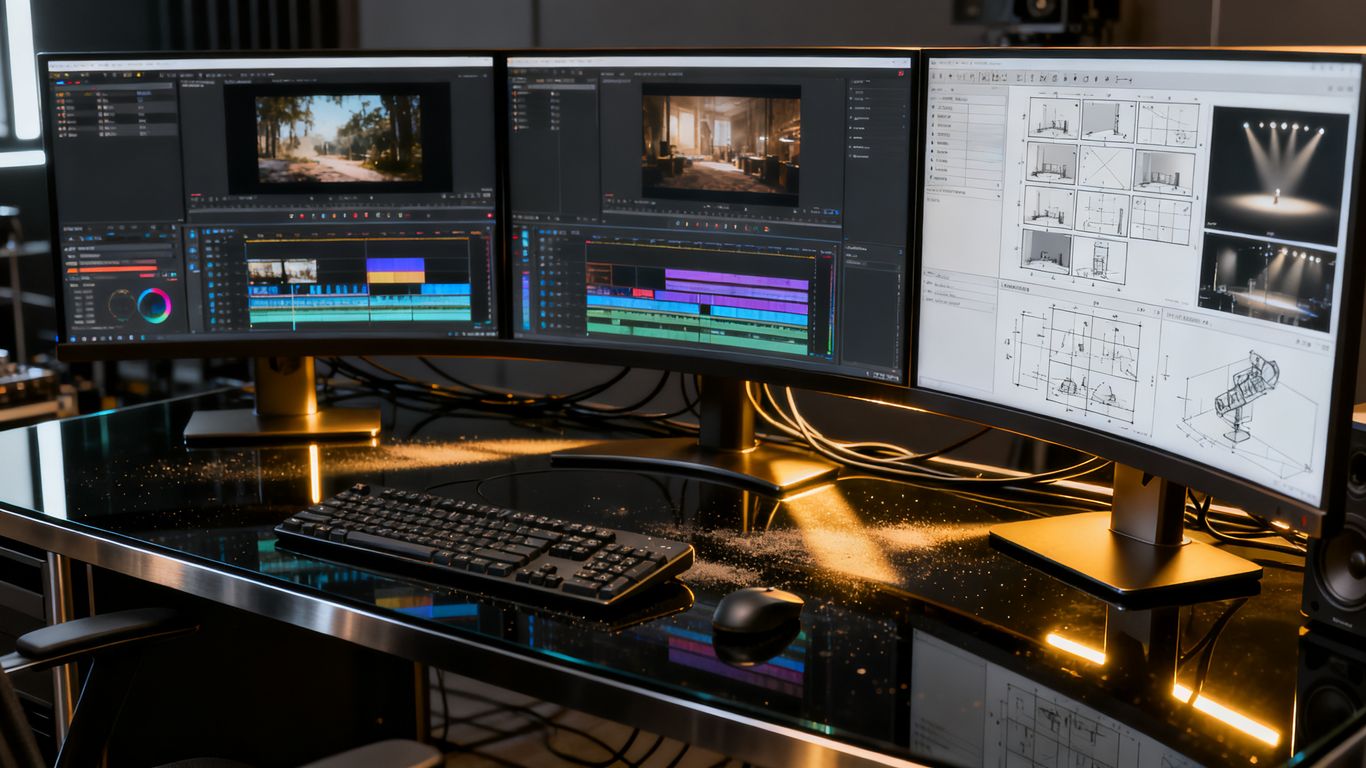
Multi-modal synthesis: Text, image, and video inputs
Platforms now combine three primary modes to bridge the gap from concept to final cut. Users generate content from plain text, animate still images, or restyle existing video files to modify scenes, lighting, or character appearance.
Enhancing cinematic control with specialized prompt engineering
Effective prompting starts with detailed descriptors of subject, environmental conditions, and camera movement. To assist with this, Animator Hub includes prompt enhancement tools that translate rough ideas into cinema-ready descriptions. You can see how this works in the following table which tracks common prompt modifications.
| Input Format | Enhancement Result | Impact on Output |
|---|---|---|
| Simple Text | Detailed Narrative | Increased Detail |
| Single Image | Dynamic Motion Path | Improved Fluidity |
| Motion File | Style Transformation | Better Character Consistency |
By comparing these inputs, creators ensure their final clip captures the desired mood and aesthetic accurately.
Maintaining visual consistency across complex multi-shot sequences
Narrative flow relies heavily on frame coherence across multiple segments. Specialized modes allow users to assign timestamps and shot numbers to sequences. This ensures a consistent look when a project requires multiple takes or scene transitions that extend beyond a standard five-second clip.
Optimizing workflows for high-quality output
Leveraging prompt expansion for internal narrative depth
Prompt expansion enriches short user descriptors with stylistic context and environmental detail. When you select this option, the system generates more specific instructions that lead to tighter control over the visual result. This process ensures the AI understands the nuance of your creative intent.
Fine-tuning negative prompts to minimize common visual artifacts
Negative prompts act as a filter for unwanted elements such as motion blur, flickering limbs, or distorted textures. Experienced creators use these to refine their output, creating cleaner and more professional images. Consider the following techniques for your next generation:
- Define clear physical constraints to prevent character morphing.
- List common technical artifacts that you want to exclude.
- Use negative prompts as a cleanup step when re-generating failed files.
- Apply general environment descriptors to keep the background stable.
Managing generation parameters for consistent 1080p fidelity
Achieving high definition requires balancing resolution with duration. By keeping the generation window within the optimal five to fifteen-second range, Animator Hub produces the most stable 1080p content for professional editing flows.
Privacy and security in unrestricted AI environments

Adopting anonymous account models to protect user identity
Creators often require strict separation between their identity and their creative portfolio. Anonymous account structures, where no public profile or data exists, ensure that your private projects stay internal. This design choice prevents accidental exposure of professional work or personal preferences.
Importance of cryptocurrency integration for financial privacy
Privacy extends to the transaction layer where traditional banking often logs purchase details. Cryptocurrency payments provide a layer of discretion necessary for creators working in niche or private industries. This approach ensures your billing activity does not appear on external financial statements.
Strategies for personal library management and data autonomy
Data autonomy means maintaining total control over your generated files, from the initial upload to the final download. Organizing your workspace into thematic albums allows for efficient bulk deletions, batch exports, and simple portfolio comparisons.
As your project count grows, maintaining a clean library is as important as the generation process itself. You can easily manage these assets through local dashboard tools without fearing external access to your private folders.
Best practices for generating professional cinematic content
Understanding aspect ratio influence on framing and composition
Aspect ratios control how content fills the screen and dictates the overall framing of your subject. Choosing 16:9 for a cinematic sweep or 9:16 for vertical platforms allows you to align your composition with the final delivery environment. Getting this right at the start prevents unwanted cropping or focus issues during post-production.
Utilizing narrative sequences for long-form video storyboarding
Storyboarding organizes your vision into logical beats, ensuring the pacing flows correctly from start to finish. By mapping out specific shots, you transform static images into a cohesive story. This structural discipline is what separates a collection of clips from a professional narrative.
Workflow integration strategies for post-production editing
Integration starts by treating AI clips as part of a larger edit rather than final products. Use professional editing software to piece together sequences generated in your Animator Hub library. The Animator Hub Blog contains unrestricted AI tools overview pages that help you refine this technical connection.
Scaling operations within credit-based ecosystems
Evaluating the benefits of pay-as-you-go pricing models
Credit-based pricing offers flexibility without long-term commitments or monthly subscription cycles that go unused. This model matches your spending directly to your production volume, making it the most cost-effective choice for creators with variable schedules. You only pay for the seconds of video you generate.
Cost-efficient strategies for large-scale content generation
Large production runs benefit from monitoring your credit consumption closely and buying top-up packs during promotional events. By keeping your prompt recipes optimized, you reduce the number of necessary re-generations, which maximizes your total credit value across larger projects.
Balancing batch processing loads with individual generation needs
Most advanced workflows involve balancing the speed of incoming results with the need for high-quality adjustments. Processing multiple tasks requires a clear priority order, where you generate key scenes first before committing credits to ambient or B-roll footage.
Conclusion
Abliterated model video generation shifts the power balance back to the creator, removing arbitrary limitations while providing the tools necessary for modern AI-driven storytelling. Success in this field involves mastering the nuances of negative prompts, maintaining safe library management, and utilizing flexible pricing structures that match your production pace. By prioritizing artistic autonomy, you ensure that your work remains a direct reflection of your creative goals rather than a filtered approximation.
Frequently Asked Questions
What makes an AI model abliterated?
An abliterated model has had the explicit refusal layers removed from its trained logic, preventing the system from automatically stopping generation for sensitive or complex prompts.
Do I need to be a professional to use advanced video tools?
No, these platforms are designed for anyone 18+ to use, with in-app guides and prompt templates available to help beginners reach high-quality results quickly.
Can I generate video from my existing images?
Yes, most advanced platforms include image-to-video capabilities where you upload a source image and the AI applies natural motion based on your visual description.
How does an anonymous account protect my work?
An anonymous account does not store PII or display public profiles, meaning your creation history, albums, and library remain entirely private and inaccessible to other users.
Why are credit-based systems better than subscriptions?
Credit-based plans provide pay-as-you-go flexibility, ensuring you don't waste money during off-weeks or periods of low production compared to fixed monthly fees.
Is 1080p the standard for AI video?
Yes, 1080p is currently the industry balance point for high-definition quality without requiring the immense GPU resources needed for higher resolutions like 4K.
Can I use these models for long-form narrative content?
Absolutely, using multi-shot narrative modes and structured storyboarding allows you to create lengthier, cohesive sequences that function as full cinematic stories.