Blog › Reddit unrestricted AI: A practical guide to AnimatorHub.ai for adult creators
Reddit unrestricted AI: A practical guide to AnimatorHub.ai for adult creators
Reddit unrestricted AI - AnimatorHub.ai: private adult video creation, prompts, credits, and safety.
Key Takeaways
Reddit discussions about unrestricted AI often mix useful workflow advice with exaggerated claims. The practical path is to understand the tool, protect consent and privacy, and budget for short tests before producing a larger project.
- “Unrestricted” usually means fewer creative filters, not unlimited legal or platform freedom.
- Adult video work still requires clear consent, lawful likeness use, and strict exclusion of minors.
- Text-to-video, image-to-video, and video-to-video each suit different starting materials.
- Strong prompts describe the subject, action, setting, camera, lighting, and unwanted details.
- Pay-as-you-go credits make short experiments easier to plan than a large first render.
What “unrestricted AI” means in Reddit discussions
Reddit unrestricted AI - AnimatorHub.ai is usually shorthand for an adult-oriented generator with fewer prompt refusals than mainstream services. The phrase attracts creators who want to test mature themes, stylized characters, or intimate scenes without rewriting every idea into vague language. It does not remove the need for consent, age limits, or responsible publishing.
Why creators look beyond mainstream AI video tools
Mainstream video tools often make adult creators spend more time adjusting wording than directing a scene. A creator may want a clear pose, a sensual wardrobe, or a fictional adult relationship, yet receive a refusal before testing the visual idea. An adult-first workflow can feel more direct because the prompt remains focused on the shot rather than on avoiding a filter.
That freedom is useful for artists, storyboarders, and solo publishers who already know the visual result they want. It also helps when a still image needs motion, or when an existing clip needs a change in style or setting. The goal is not shock for its own sake; it is control over the material being produced.
The difference between fewer filters and unlimited use
“Unrestricted” describes a product position and a generation experience. It does not mean every request is legal, every likeness is cleared, or every website will accept the finished file. A private adult scene involving fictional adults is a different case from non-consensual sexual material, stolen identity, or content involving a minor.
Treat the label as a prompt-policy signal, not a legal promise. Read the platform rules before uploading source media, and keep a separate check for the rules of the site where you plan to publish.
Common claims, misconceptions, and red flags
Claims about perfect realism, instant rendering, or unlimited output deserve a closer look. Video models can produce odd hands, drifting faces, unstable clothing, and motion that does not follow the prompt. A polished gallery sample may also reflect careful selection rather than typical output.
Before spending heavily, check whether the service explains its pricing unit, failed-render handling, file visibility, age gate, and deletion controls. A small test protects your budget and gives you a clearer sense of motion quality than a sales phrase does.
Why platform policies still matter
A generator can permit adult content while still banning minors, sexual exploitation, or material made without permission. The same file may also face limits on a gallery, payment processor, hosting service, or social platform. Those boundaries remain relevant even when the generation interface feels open.
Use private storage for work in progress, keep consent records when real people or recognizable likenesses are involved, and check publishing rules before release. Openness in generation should be paired with discipline in distribution.
What AnimatorHub.ai offers
AnimatorHub.ai presents three ways to start a video: a written description, a still image, or an existing video source. The platform is for adults, uses a pay-as-you-go credit model, and describes its output as cinematic 1080p video. That combination suits creators who want to move between concepting, animation, and transformation without changing the basic studio.
Text-to-video generation
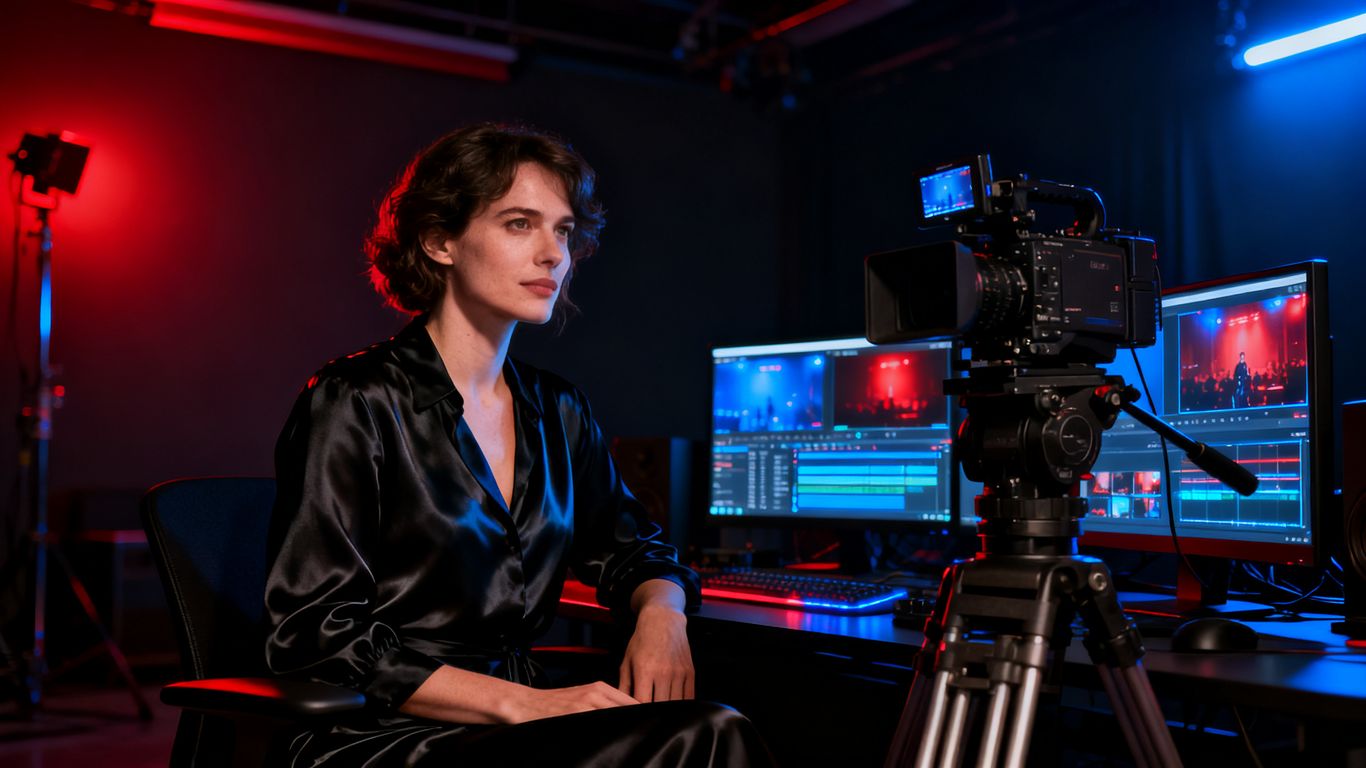
Text-to-video starts with a plain-language scene description. Prompts can include subjects, environments, lighting, camera movement, and style, with available durations of 5, 10, or 15 seconds. This mode works well when there is no source frame yet, such as a storyboard shot, an atmospheric intro, or a fictional adult scene.
Start with one clear action instead of packing several unrelated events into a short clip. A focused prompt gives the model fewer moving parts to reconcile.
Image-to-video animation
Image-to-video accepts PNG, JPG, or WEBP stills and applies motion, expressions, and scene dynamics described in the prompt. The preview adapts to the image’s true aspect ratio, which helps preserve the original framing while you decide how much movement to add.
This mode is useful for animating artwork, photos you have permission to use, or a character reference. Describe the movement separately from the image contents: for example, a slow turn toward the camera, a change in expression, or fabric moving in a warm room.
Video-to-video transformation
Video-to-video accepts up to three MP4 or MOV source clips, with each clip lasting 2 to 30 seconds and staying within the listed 100 MB file limit. The available generation durations are 5 or 10 seconds. Prompts can request style changes, scene modifications, restyling, or changes to clothing and environments.
Use this mode when timing, blocking, or body movement already exists in your source. Keep the request specific, since changing several visual properties at once can make it harder to tell which instruction caused a weak result.
1080p output and cinematic controls
The Create interface provides aspect ratio, duration, and shot type controls for each generation. It also includes prompt enhancement and automatic negative-prompt generation, while a multi-shot mode supports longer sequences with timestamps. These controls are practical because a good prompt still needs a defined frame and length.
For broader prompt formulas and camera vocabulary, the Animator Hub blog is a useful companion to the generation workflow. Read a guide, test one change, then compare the result rather than changing every setting at once.
How to create a video on AnimatorHub.ai
A sensible first session is short and deliberate. Confirm the age gate, choose the mode that matches your source material, set the shot parameters, and run a modest test before spending credits on a full sequence. The interface also supports progress updates, completion notifications, downloads, visibility changes, and library management.
Passing the age gate and signing in privately
The service requires users to be 18 or older and asks for age confirmation on the first visit. Sign-in is available through Google OAuth, while the account model is described as anonymous by design, with no public display name or avatar. Your email remains visible to you inside the account menu rather than as a public creator identity.
Do not treat an anonymous-facing profile as total invisibility. Your sign-in provider, device, browser, payment trail, and uploaded files can still matter for your own privacy planning.
Choosing a generation mode and duration
Select text-to-video when the scene exists mainly as an idea, image-to-video when a still already carries the character or composition, and video-to-video when movement from a source clip should remain part of the result. Text-to-video and image-to-video offer 5, 10, or 15 seconds, while video-to-video offers 5 or 10 seconds.
Short clips are easier to review and cheaper to repeat. They also expose problems early, before a longer sequence builds on an unstable face or inconsistent environment.
Setting the aspect ratio, shot type, and visual direction
Choose the ratio that matches the final destination, then set the shot type before refining the language of the prompt. State whether the camera is close, medium, or wide, and describe the subject’s position in the frame. Add movement only after the basic composition is clear.
A useful order is subject, action, setting, lighting, camera movement, and style. This keeps the prompt readable and gives each visual decision a place.
Reviewing, downloading, and managing finished videos
The video library shows pending, processing, completed, failed, and expired generations. Completed files can be watched and downloaded, and visibility can be switched between private and public Explore status. Albums, bulk actions, deletion, and one-click regeneration help keep repeated tests from becoming a messy folder of near-duplicates.
The public gallery is optional, not a required step. Review the visibility setting before sharing, especially when a source image or personal creative project is involved.
How to write better prompts for unrestricted AI video
Prompt freedom helps only when the request is visually legible. A useful prompt gives the model a subject, a place, an action, and a camera decision, then adds mood and style without burying the main event. For adult work, keep every person clearly described as an adult and avoid ambiguity around consent.
Describing subjects, environments, and actions clearly
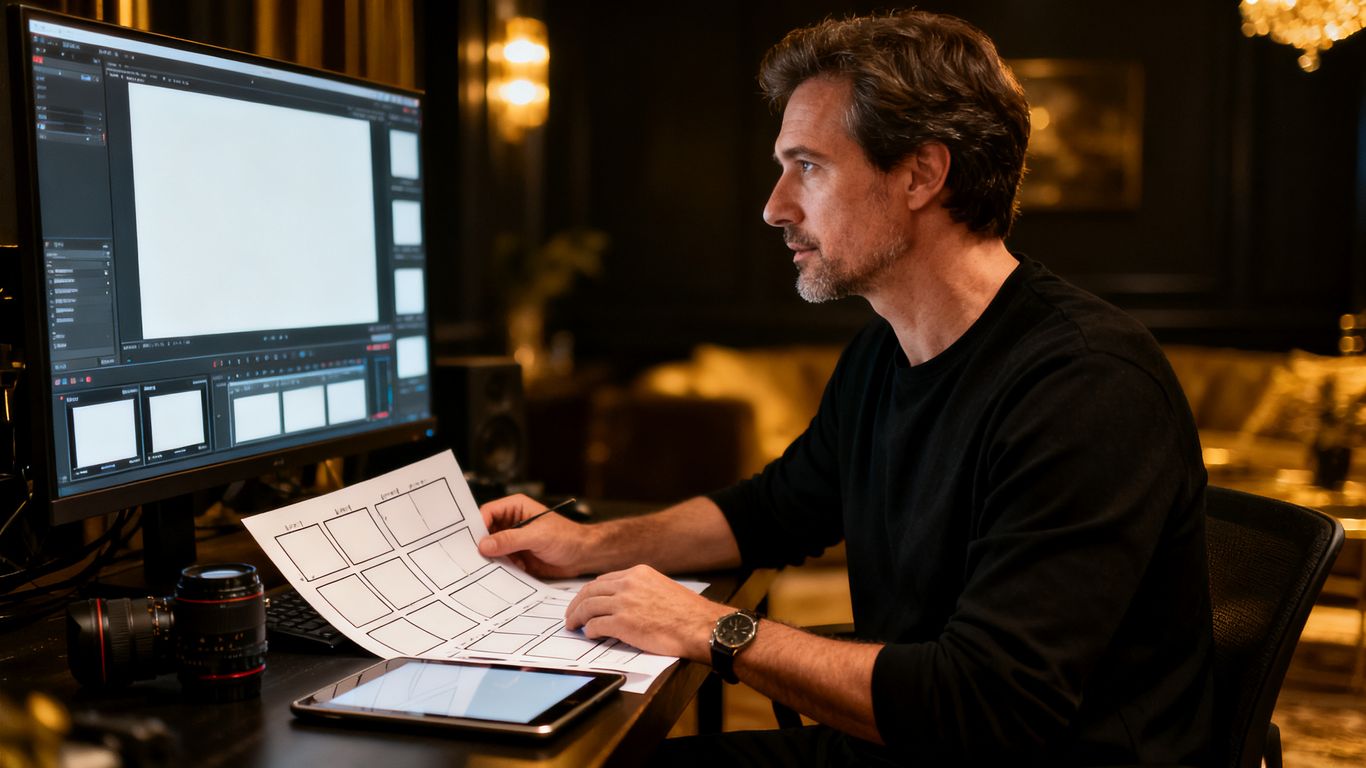
Name the subject’s visible features, clothing, pose, and age category, then state what happens during the shot. Give the environment a few concrete details such as a bedroom with warm lamps, a private studio, or a moonlit balcony. Avoid a long string of adjectives that does not tell the model what should move.
For example: “An adult woman with short dark hair stands beside a velvet chair in a dim studio, slowly turning toward the camera while one hand rests on the chair.” The sentence gives the model a subject, setting, action, and spatial anchor.
Controlling lighting, camera movement, and composition
Lighting words should describe a visible source or effect: soft window light, a warm practical lamp, cool rim light, or deep evening shadows. Camera instructions can be equally direct, such as a slow push-in, a locked medium shot, or a gentle tracking move. Composition tells the model where the subject sits within the frame.
Change one control at a time when refining. If the image is attractive but the movement is weak, adjust the motion instruction first instead of replacing the entire prompt.
Using negative prompts to reduce unwanted results
Negative prompts can filter out common problems such as extra fingers, warped faces, flickering backgrounds, sudden camera jumps, duplicate subjects, or unreadable anatomy. They work best when they address a visible failure from the previous render rather than listing every possible defect.
A practical revision loop looks like this:
- Watch the clip once for motion and once for anatomy.
- Write down the two most obvious failures.
- Add those failures to the negative prompt.
- Keep the subject and camera wording unchanged for the next test.
This method makes each generation easier to evaluate. The built-in prompt enhancer and negative-prompt generator can help, but your own visual notes remain the better guide for a specific sequence.
Planning multi-shot cinematic sequences
Multi-shot mode is suited to a sequence with timestamps rather than one isolated action. Give each shot a start and end point, repeat the character’s defining features, and keep the setting stable unless a change is part of the story. Short, simple beats usually hold together better than a crowded paragraph.
A basic sequence might move from an establishing shot to a medium interaction and then to a close reaction. Generate each beat with consistent wording, review continuity, and regenerate only the weak section when possible.
Adult content, safety, and platform limits
Adult generation needs clear boundaries before the first prompt is written. The platform allows unrestricted adult content according to its policy, but it sets hard limits around minors and child sexual abuse material. Its footer links to the Content Policy, Terms of Service, and Privacy Policy, so those documents should be treated as part of the workflow rather than as fine print read after a problem occurs.
The 18+ requirement and age verification
Users must be 18 or older and must confirm their age at the first visit. That gate applies to browsing and creation, not only to the final download. If you manage a shared studio or publish tutorials, keep the adult-only status clear wherever the material appears.
Age language in a prompt should never be vague when an adult scene is intended. Describe adult characters plainly and avoid school, childhood, or youthful framing that could create confusion.
Prohibited content involving minors
Content involving minors is prohibited, including any sexualized depiction, suggestion, or simulated material. Do not upload a source file that includes a minor, and do not use wording that makes a character’s age uncertain. This is a firm boundary, not a prompt challenge.
If a concept cannot be described with clearly adult participants, discard it. No visual style, fictional setting, or transformation request changes that rule.
Consent, likeness rights, and uploaded media
Only use photographs, videos, and recognizable likenesses when you have the necessary permission. Consent should cover the intended transformation and the place where the result will be shown. A private upload can still create harm if the person did not agree to the use.
Keep source files organized and separate from public material. If you work with collaborators, record approvals before generation rather than relying on a later conversation to fill the gap.
Reviewing the Content Policy, Terms of Service, and Privacy Policy
Policies answer different questions: what may be generated, how the account may be used, and how data is handled. Read all three before a commercial project, especially if the work includes real likenesses, client assets, or public gallery sharing.
Policies can change, and a tool’s adult focus does not override local law or a publisher’s rules. When the stakes are high, pause and obtain professional legal advice instead of guessing from a comment thread.
Privacy and anonymity considerations
Privacy has several layers in adult video production. A public profile can be limited while account, browser, payment, and file-handling details still deserve care. The safest workflow is to decide what must remain private before uploading anything or purchasing credits.
Anonymous creator profiles and limited public identity
The account model provides no public display name, avatar, or public identity, and the public interface does not show personal information or social hooks. That can reduce accidental exposure when you share a finished clip. It should not be read as a guarantee that no service provider or payment record exists behind the account.
Use a separate creator identity where appropriate, avoid placing personal details in prompts or filenames, and review downloaded metadata before publication.
Private uploads and personal video libraries
Uploaded files are stored privately and tied to the account, while the My Videos area supports albums and bulk actions. That makes it easier to separate source material, tests, and approved exports. Deletion and private status are useful controls, but they do not replace a backup and retention plan.
Keep only the files you need. For sensitive projects, use encrypted local storage and decide when temporary source media should be removed.
Public visibility settings in the Explore gallery
The Explore gallery contains community videos that creators have set to public. A finished generation can remain private or be switched to public, so check the visibility control before sharing a link or posting a screenshot. Gallery exposure can reveal more than the video itself if the prompt overlay or thumbnail contains identifying details.
Treat public posting as publication, not as a harmless preview. Review the frame, prompt, duration, and any recognizable person before changing the setting.
Crypto payments and what they do, and do not, protect
Crypto payment support can reduce the amount of card information connected to a purchase, and the service lists BTC, ETH, USDT, and other cryptocurrency options. It does not make a transaction invisible, erase wallet records, or protect a compromised device. Wallet security and exchange policies still matter.
Use a payment method you understand, verify the receiving address, and keep purchase records separate from public creator accounts. Privacy is a set of choices, not a single checkout option.
Credits, payments, and workflow planning
The pricing model is pay-as-you-go, with one credit equal to one second of generated video. Credits do not expire once purchased, and the wallet shows a live balance with transaction history. That structure favors measured tests, especially when a scene may need several attempts before it is ready to publish.
How the pay-as-you-go credit system works
Each rendered second uses one credit, so a 5-second result costs 5 credits before any repeat generation. The rule is simple enough to estimate a test batch without a subscription commitment. Keep a small reserve for failed or expired work, even though regeneration is available from the library.
The credit page also provides balance information and top-up access. Check the balance before starting a run so a low-credit warning does not interrupt a planned session.
Comparing the 100-, 500-, and 1,000-credit packages
The listed packages differ in both total capacity and effective rate. The middle and largest packages reduce the cost per rendered second, but the right choice depends on how often you expect to generate and how long you want your balance to remain available.
| Package | Listed price | Effective rate | Best fit |
|---|---|---|---|
| 100 credits | $30 | $0.30 per second | A small first test |
| 500 credits | $125 | $0.25 per second | Regular short projects |
| 1,000 credits | $200 | $0.20 per second | Higher-volume work |
The larger packages make more sense when you already understand your revision rate. For a first session, the starter package can provide a clearer read on motion, prompt fit, and workflow before a larger purchase.
Estimating costs for short video experiments
A 5-second generation uses 5 credits, a 10-second generation uses 10 credits, and a 15-second generation uses 15 credits. If you expect four 5-second tests, plan around 20 credits, then add room for a preferred rerender or two. This simple estimate keeps a creative session grounded in actual duration.
For a multi-shot idea, price each beat separately and total the seconds before writing the final prompt. That makes it easier to decide whether a sequence should be shortened or tested in smaller parts.
Managing failed, expired, and regenerated videos
The library records failed and expired generations, and the regenerate control can refill the Create page with the original prompt, duration, ratio, and negative prompt. That saves setup time when a render fails for a technical reason or expires before review. It also lets you change one variable instead of rebuilding the request.
Keep notes on why a rerender was needed. A failed file, an unstable face, and a weak creative choice are different problems, and each calls for a different response. AnimatorHub.ai also describes live progress updates and realistic estimated completion times, which can help you plan a session around several short runs.
Conclusion
Adult AI video works best when creative freedom is paired with clear prompts, lawful source material, careful privacy choices, and a credit plan that leaves room for revision. Treat “unrestricted” as more room to direct the image, not permission to ignore consent, age rules, or publishing limits.
Frequently Asked Questions
What does “unrestricted AI” usually mean?
It usually refers to a generator with fewer prompt filters around adult or mature themes. It does not remove legal duties, consent requirements, age restrictions, or the rules of a publishing platform.
Is adult AI video legal to make?
Legality depends on the people depicted, the source material, consent, jurisdiction, and intended use. Never use minors, non-consensual likenesses, or material you do not have permission to transform.
Which generation mode should a beginner choose?
Use text-to-video when starting from an idea, image-to-video when you have a still, and video-to-video when you want to transform existing motion. Begin with a short duration so weaknesses are easy to spot.
How can prompts produce steadier video results?
Describe one main action, then specify the environment, lighting, camera movement, and composition. Keep revisions focused by changing one or two variables after each test.
Should private adult videos be posted publicly?
Only post them when you have reviewed consent, likeness rights, prompt details, and the destination’s rules. A private file can become public through a visibility change, shared link, or downloaded copy.
Do crypto payments guarantee anonymity?
No. Crypto can reduce card information connected to a purchase, but wallet records, exchanges, devices, and account activity may still identify a transaction or user.
How much video should be generated for a first test?
A 5-second clip is usually a sensible starting point because it limits cost and makes motion problems easy to review. Once the prompt and visual direction are stable, test longer shots or a multi-shot sequence.