Blog › NSFW male text-to-image AI: How to create private adult images responsibly
NSFW male text-to-image AI: How to create private adult images responsibly
NSFW male text-to-image AI tips for adult characters, private workflows, consent, and safer results.
Key Takeaways
Private adult image generation works best when the character, consent boundaries, and storage choices are clear from the start.
- State that every character is a fictional adult aged 18 or older.
- Describe one consistent identity instead of piling on vague style words.
- Use pose, lighting, camera, and anatomy details to guide the result.
- Treat reference photos as sensitive material that requires ownership and consent.
- Review every output before saving, sharing, animating, or publishing it.
What NSFW male text-to-image AI can do
NSFW male text-to-image AI turns written direction into a visual scene, from a polished portrait to an adult fantasy setting. The same basic approach can support realistic, anime, painterly, or heavily stylized results. The technology is useful for private exploration, character art, storyboards, and approved adult media, but it still needs clear human direction. For wider context on the creative and ethical questions around these tools, see this adult AI image guide.
Understand text-to-image generation and reference-based creation
A text prompt gives the generator a description of the subject and scene. You can name the character's age, build, expression, clothing, pose, environment, light, framing, and visual treatment. Reference-based creation starts with an image and asks the system to preserve or reinterpret visible traits, which can help with identity and styling but can also introduce unwanted changes.
Text-to-image is usually the cleanest starting point when you want a fictional adult male character with no real person's likeness. Reference-based work is better when you own the source or have permission to use it and need a repeatable face, hairstyle, or body type. Keep the reference separate from personal photos that reveal addresses, documents, or other identifying details.
Choose between realistic, anime, and stylized male characters
Style words should support the subject rather than replace it. A realistic portrait benefits from terms such as natural skin texture, soft window light, 85mm portrait lens, and detailed facial hair. Anime and illustrated work needs direction about line quality, eye shape, shading, proportions, and the level of realism you want in the body and surroundings.
Stylized adult characters can be more consistent when you repeat a small set of defining traits in every prompt. A silver undercut, square jaw, athletic build, scar over the left eyebrow, and black leather jacket give the system more to hold onto than a long string of changing adjectives. Keep the erotic tone adult and direct without relying on ambiguous age-coded language.
Set clear expectations for anatomy, consistency, and image quality
A strong prompt improves the odds of a usable result, not the certainty of one. Hands, fingers, teeth, genitals, reflections, and unusual body positions remain common failure points. A face may drift between generations, and a carefully described pose can still produce an awkward limb or an impossible garment.
Treat each generation as a draft. Generate several options, keep the strongest one, and make a targeted change rather than expecting a single prompt to solve every issue. Resolution, aspect ratio, and the final use also matter, especially if the image will later become a video or be viewed on a phone.
Define an unmistakably adult male character
A clear character brief gives the generator a stable subject and gives you a safer creative boundary. Start with adulthood in plain language, then describe appearance and context without age ambiguity. This is also the point to decide whether the character is purely fictional, based on an approved reference, or part of a recurring persona.
Specify age, appearance, body type, hair, and facial features
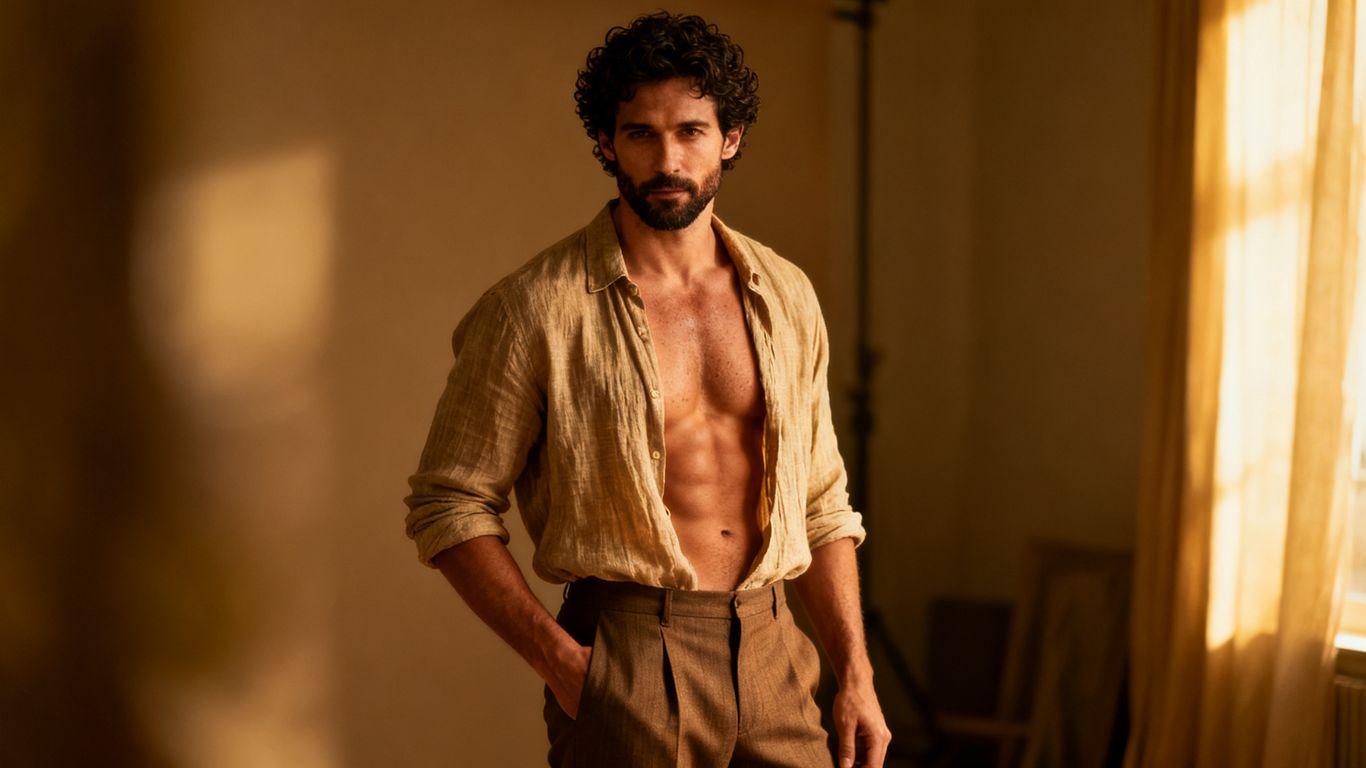
Write “fictional man, thirty-two years old” or “adult male, age 40” near the beginning of the prompt. Add height or general build, skin tone, hair length and texture, facial hair, eye color, nose shape, jawline, tattoos, scars, and other visible details. Avoid descriptions that mix adult age with childlike proportions, school settings, youthful uniforms, or terms commonly associated with minors.
A compact character sheet can make repetition easier. For example: “fictional adult man, 34, broad shoulders, lean waist, warm brown skin, close-cropped black hair, trimmed beard, hazel eyes, small crescent scar above the right eyebrow.” That sentence gives the generator concrete visual material without forcing every future scene to look identical.
Build a consistent persona, setting, and relationship dynamic
A persona is more than a face. Give the character an occupation, temperament, preferred clothing, living environment, and the kind of relationship or fictional situation the scene depicts. Keep those elements stable when you want a series, then change one variable at a time, such as location, pose, or wardrobe.
For a recurring private character, record a short identity block and paste it into new prompts. Add the scene after it: a private apartment at night, a hotel balcony at sunset, or a studio with controlled lighting. Relationship language should describe adults interacting by mutual choice, not pressure, intoxication, fear, or inability to respond.
Avoid ambiguous wording that could imply minors or non-consent
Adult age should be explicit, but age alone does not fix every risky prompt. Do not combine an adult label with schoolchild styling, childish behavior, “barely legal” phrasing, forced scenarios, sleeping subjects, or language suggesting that a person cannot agree. When the scene includes more than one character, state that all are consenting adults.
Use direct alternatives such as “confident adult man posing for a private boudoir portrait” or “two consenting adult men in a romantic bedroom scene.” This keeps the premise readable and reduces the chance that a generator interprets the situation as exploitative. Clear consent language protects the whole workflow, from prompt writing to final storage.
Write effective prompts for adult male images
Good prompts read like compact production notes. They identify who is present, what he is doing, where the scene happens, and how the camera sees it. You can be sensual or explicit when the tool and its rules allow it, but clarity usually produces better results than a dense pile of slang.
Structure prompts with subject, pose, setting, lighting, and camera details
A useful order is subject, age, appearance, pose, action, setting, light, camera, composition, and style. Start with the most important visual facts, then add details that shape the shot. For example: “fictional adult man, thirty-five, muscular build, seated on the edge of a bed, one hand resting on his thigh, private loft bedroom, warm bedside lamp, medium shot, eye-level camera, shallow depth of field, realistic photography.”
This order also makes revisions easier. If the face is right but the framing is wrong, change only the camera phrase. If the body is too bulky, adjust the build while leaving the environment and lighting intact. A prompt guide with cinematic prompt recipes can help when you want more control over shot size, camera movement, or visual vocabulary.
Use descriptive language for clothing, mood, and visual style
Clothing should describe material, fit, color, and what is visible in the frame. “Open white linen shirt, black briefs, bare feet, silver chain” gives more direction than “sexy outfit.” Mood can be communicated through posture and expression: relaxed shoulders, direct eye contact, half-smile, flushed cheeks, or a guarded expression.
Keep style references compatible with the rest of the prompt. “Hyper-realistic editorial portrait” points in a different direction from “flat cel shading” or “loose watercolor.” If you want a stylized adult male, name the style and preserve the adult proportions, face, and setting so the result does not drift into a juvenile look.
Add negative prompts to reduce anatomy and composition errors
Negative prompts are a practical cleanup layer. They can tell the generator to avoid extra fingers, fused limbs, warped eyes, duplicate subjects, cropped heads, unreadable details, unwanted clothing, or a second person appearing in the background. They cannot guarantee a perfect image, so inspect the output rather than trusting the text alone.
A focused negative prompt is easier to diagnose than a huge one. Try terms such as “extra fingers, malformed hands, duplicate body, asymmetrical eyes, warped anatomy, blurry face, cut-off feet, unwanted text, watermark.” If the output becomes too stiff or loses a desired feature, remove the least useful negative term and test again.
Refine identity, anatomy, and visual consistency
Refinement is where a promising image becomes a dependable asset. Work from the largest problem to the smallest: first the character's identity and pose, then proportions and hands, then texture, background, and minor artifacts. Save versions so a good earlier result is never lost during experimentation.
Improve hands, facial details, proportions, and common generation flaws
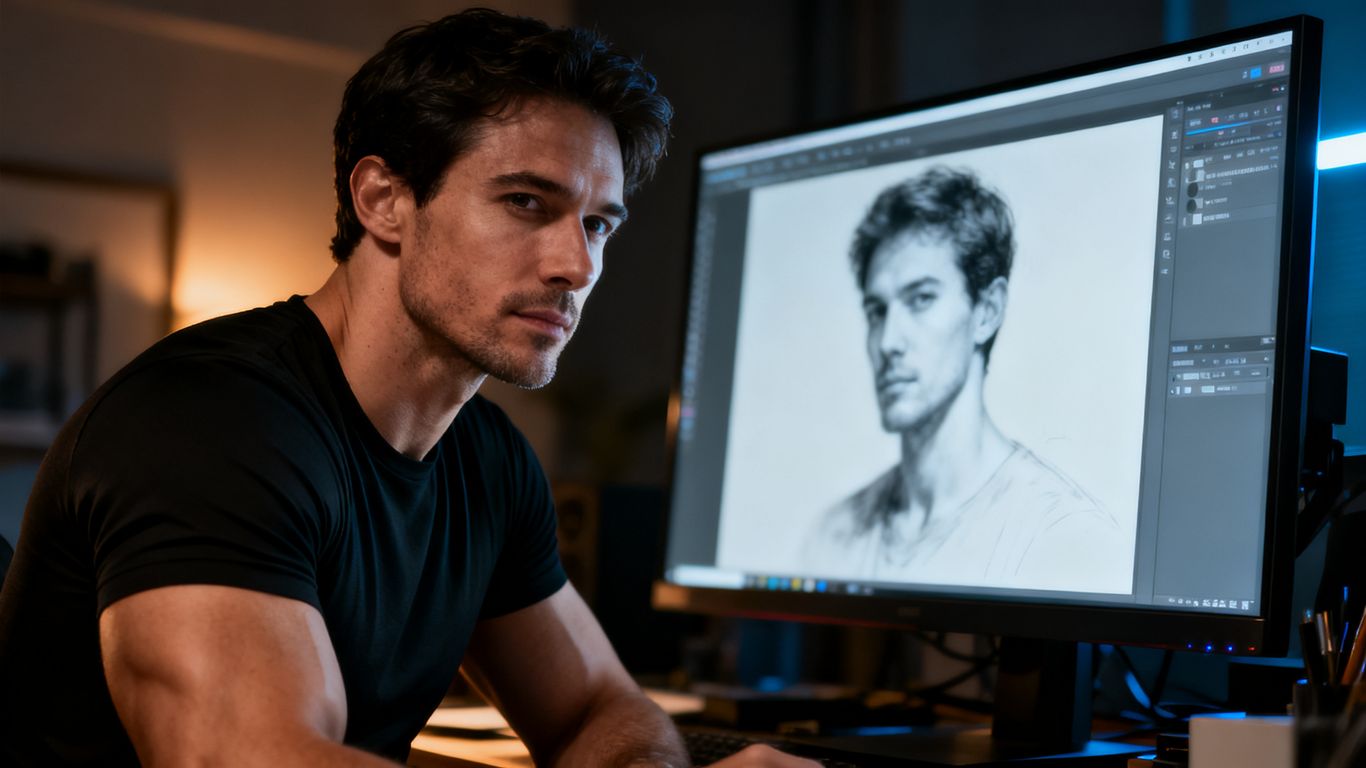
Check the eyes for unequal size, the mouth for strange teeth, and the hairline for sudden changes. Then inspect hands, feet, shoulders, hips, and any contact between bodies or objects. A crop can hide a weak lower half in a portrait, while a wider composition needs much more anatomical control.
Use a correction prompt that names one or two faults: “same adult male identity, natural five-finger hands, balanced shoulders, realistic feet, preserve the face and lighting.” Rewriting the entire scene can make the face, setting, and mood drift. For explicit images, also check that anatomy is coherent and that no unintended person or identifying detail has appeared.
Use reference images while respecting ownership and consent
Only upload a reference you created, licensed, or have clear permission to use. A private selfie, a partner's photograph, or a client's image should never become source material for sexual content without informed consent. Consent should cover the transformation itself and the intended storage or sharing, not just the original photograph.
Remove metadata where practical and crop out house numbers, workplace badges, documents, and recognizable locations. If a real person's likeness is not necessary, a fictional or AI-generated reference is the safer choice. For a visual workflow that begins with an approved image and adds motion, image-to-video creation explains the general path from a still image to a clip.
Iterate with targeted prompt changes instead of rewriting everything
Keep a small log of the prompt, seed or generation settings if available, reference version, and what changed. Compare outputs at the same aspect ratio so you are judging the prompt rather than a different crop. When the face is stable, freeze the identity block and test pose, clothing, or lighting separately.
A useful sequence is face first, body second, scene third, and erotic detail last. This gives you a clean checkpoint before adding more sensitive content. If a generation fails, return to the last good version and alter one phrase, such as changing “dramatic red light” to “soft red practical light,” instead of starting over.
Choose the right creation workflow
The best workflow depends on whether you need a still, a moving shot, or a recurring character. Text prompts give you a blank starting point, while image-to-video preserves a chosen visual base and adds motion. Companion features suit people who want the same fictional persona to return across conversations and media.
Use text prompts for fully generated adult male scenes
Begin with a fictional adult character when you do not need a real likeness. Write the scene as a shot description, generate several options, and select one with clean anatomy and a stable face. This is a good route for portraits, fantasy rooms, editorial-style sets, and storyboards where no source photo is involved.
Animator Hub documents text-to-video as a mode where you describe a scene in plain language and generate a matching video, with prompts that can include subjects, environment, lighting, camera movement, and style. Its documented video durations are 5, 10, or 15 seconds, so it fits when the approved still needs to become a short moving scene. The same planning habits used for a still prompt carry over well.
Use image-to-video when animating an approved reference image
Image-to-video starts with a PNG, JPG, or WEBP still and applies motion, expressions, and scene dynamics described in the prompt. Use a clear image with a stable pose when you want the face and body to remain recognizable. Motion prompts should stay modest at first: a slow turn, a change in expression, a hand movement, or a camera push.
Animator Hub's documented image-to-video mode supports 5, 10, or 15 second clips and adapts the preview tile to the source image's true aspect ratio. That makes it useful after you have reviewed an approved reference image and decided that animation adds something to the scene. Always check the resulting motion for warped hands, clothing glitches, or a face that changes into someone else.
Use character and companion features for recurring private personas
A recurring persona needs more than a prompt pasted into a new session. Keep a stable name, adult age, appearance, personality, relationship context, and preferred style. Separate fictional character traits from real people's names, photographs, and private facts.
Animator Hub's AI Lover coverage describes companion features that include persistent characters, chat, voice calls, and media generation, alongside a generation studio. That kind of workflow can suit an adult who wants a continuing fictional male or LGBTQ+ persona rather than isolated images. Review the privacy and content settings before adding personal material to any companion profile.
Protect privacy and follow adult-content policies
Private adult media still deserves careful handling. A generated face can resemble a real person, and a harmless background detail can reveal where a photograph was taken. Treat prompts, references, outputs, and chat history as sensitive creative files, not disposable experiments.
Confirm that every depicted person is clearly 18 or older
Make the adult status explicit in the character description and review the rendered image for age ambiguity. Do not rely on the tool to infer adulthood from a single word if the rest of the scene suggests youth. Any group scene should identify every participant as an adult, with clear mutual participation.
Never create sexual material involving minors, apparent minors, or age-ambiguous characters. Do not use school-age settings, childlike bodies, coercion, or unconscious subjects as substitutes for adult consent. If an output looks ambiguous, delete it and change the prompt before generating again.
Keep generated media private and manage visibility carefully
Check the visibility setting before downloading or sharing. Use private folders, strong account security, and separate storage for sensitive files. Do not post an image publicly just because it was generated by software, and do not send it to a group chat without considering who may save or redistribute it.
Animator Hub documents an anonymous account model, no public profile or public identity, private user-uploaded files, and a personal video library. Its library also supports visibility controls, including private or public placement in Explore. Those features can reduce exposure, but they do not replace careful decisions about screenshots, downloads, backups, or device access.
Review consent, copyright, platform rules, and prohibited content
Consent applies to likeness, source material, collaborators, and distribution. Copyright can still matter when a prompt imitates a living artist, uses protected characters, or transforms an image you do not own. Read the tool's terms and content policy before making explicit work, especially if the output will be sold or used for a client.
Use this short review before sharing an image or clip:
- Is every person clearly an adult and a willing participant?
- Do I own the reference material or have permission to use it?
- Does the output contain a recognizable private person, trademark, or protected character?
- Is the intended audience allowed to receive explicit media?
This check is quick, but it catches problems that a good-looking render can hide. When there is uncertainty about consent or ownership, keep the file private and do not distribute it.
Manage credits and evaluate generated results
Cost planning is easier when you separate still-image attempts from video seconds. Count test generations, failed runs, revisions, and final exports rather than budgeting only for the one result you hope to keep. A simple record of prompts and outcomes also shows which settings waste credits.
Estimate costs using duration and image-generation credit requirements
For video, the documented pricing rule is 1 credit for 1 second of generated video. A 5-second clip therefore uses 5 credits, while a 15-second clip uses 15 credits, before you account for retries. Companion media documentation lists 5 credits for an image, so still-image tests should be counted separately when that workflow applies.
| Output type | Documented credit rule | Practical planning question |
|---|---|---|
| Video generation | 1 credit per second | How many seconds will each test and final take? |
| 5-second video | 5 credits | Can a short motion test confirm the face and pose? |
| 15-second video | 15 credits | Is the longer clip worth the extra revision risk? |
| Companion image | 5 credits | Have the identity and adult-content checks passed first? |
The table is a planning aid, not a promise about the number of attempts needed. Start with short tests, keep the successful prompt, and spend longer durations only after the character and movement look right.
Review outputs for quality, safety, and unwanted identifying details
Look at the whole frame before judging the face. Check hands, eyes, teeth, body proportions, reflections, background objects, clothing, and any visible personal information. Also ask whether the image still shows an unmistakably adult fictional character and whether the mood matches the prompt.
A polished result can still be unsuitable if it includes a real person's likeness without permission, an accidental bystander, a house number, or an ambiguous age cue. Review both the source and the output, especially when using image-to-video, since motion can reveal flaws that a still frame concealed.
Save, organize, regenerate, or delete media in a private library
Use descriptive filenames that do not expose sensitive details in a shared folder or notification preview. Keep the best prompt with the asset, separate approved finals from experiments, and delete failed or unwanted files instead of letting them accumulate. If a video fails or expires, a regeneration option may save time by restoring the original prompt and settings.
Animator Hub documents a personal video library with albums, bulk actions, downloads, visibility controls, deletion, and one-click regeneration for failed or expired videos. These controls support a tidy private workflow, but you should still review each file before moving it to a public area or external storage. A small, well-labeled library is easier to audit than a large folder of unmarked drafts.
Conclusion
Responsible adult image creation is a combination of clear prompts, unmistakable adulthood, consent-aware references, and disciplined privacy habits. Build the fictional male character carefully, refine one variable at a time, and inspect every result before it travels beyond your private library. Creative freedom works best when the person using it remains accountable for the source, the output, and the audience.
Frequently Asked Questions
What is NSFW male text-to-image AI?
It is a prompt-based image workflow for creating fictional adult male visuals, including portraits, scenes, and stylized character art. The exact capabilities and content rules depend on the tool you use.
How should I state a character's age?
Use direct wording such as “fictional adult man, age thirty-two” or “adult male, 40 years old.” Keep the rest of the description adult-coded and avoid settings, clothing, or behavior that creates age ambiguity.
Can I use a real person's photo as a reference?
Only if you own the image or have informed permission for the specific transformation and intended use. Sexualizing a person's likeness without consent is unsafe and can cause serious personal, legal, and reputational harm.
Why do adult male AI images often have anatomy errors?
Generators can struggle with hands, feet, overlapping bodies, reflections, unusual poses, and fine facial details. Shorter prompts, focused negative prompts, clear framing, and targeted revisions can reduce errors, but every output still needs review.
Should I choose realistic or anime styling?
Choose based on the intended result. Realistic prompts benefit from camera and skin-detail language, while anime prompts need clear direction about linework, shading, proportions, and the desired level of realism.
Is image-to-video useful for adult character work?
It can be useful when you have an approved still and want to add controlled motion. Start with a short clip and simple movement, then inspect the face, hands, clothing, and background for changes.
How can I keep private adult media safer?
Use private visibility settings, protect the account and device, remove identifying details from references, and limit downloads or sharing. Keep records of consent and ownership when another person's likeness or work is involved.