Blog › NSFW male AI image generation: A comprehensive guide for creators
NSFW male AI image generation: A comprehensive guide for creators
Start your journey in NSFW male AI image generation with this guide on prompts, tools, and privacy for adult creators.
Key Takeaways
Creating adult content requires specific tools that prioritize privacy and unrestricted output. Use these points to improve your workflow when generating male subjects:
- Prioritize cloud-based platforms to avoid expensive hardware requirements.
- Learn to write explicit prompts that describe action, anatomy, and lighting clearly.
- Keep your media organized within private libraries for easy multi-shot storytelling.
- Verify your age on platforms that maintain strict compliance standards.
- Choose tools that support anonymous access to protect your creator identity.
Getting started with NSFW male AI image generation
Starting a new project involving NSFW male AI image generation requires selecting a platform that lacks inhibitory content filters. Many popular tools apply layers of restrictions that block explicit prompts, but using specialized services like Animator Hub allows you to work without these barriers. You should first ensure you have a clear artistic vision for the subjects you intend to create. The best approach involves identifying a service that allows you to maintain full control over your narrative.
Understanding the technology behind uncensored models
Most mainstream generators exclude explicit content from training data or run filters on inference. You need a platform that pulls from models capable of producing unfiltered visuals without degrading the output based on classifier flags. This freedom ensures that the anatomical precision and stylistic nuance you want remain intact throughout the rendering process.
Hardware requirements versus cloud-based platforms
Local systems demand powerful GPUs and technical setups for managing software like ComfyUI or various LoRA checkpoints. Cloud platforms remove this burden entirely by running the generation tasks on their own servers. This is perfect for 4a8f creators who want to jump straight into production without worrying about cooling, memory, or driver updates.
Navigating privacy and anonymous access for creators
Protecting your identity is a top priority when handling adult digital media. Look for sites that offer anonymous account models, ensuring no PII or personal profiles appear in public views. By using services that support cryptocurrency payments, you ensure your activity remains private and separate from banking records.
Setting up your first account securely
Begin your setup by confirming your age via the platform's verification gate. Once inside, you can explore the 8255 resources to find prompt examples tailored for specific aesthetics. Secure your account by selecting a strong, unique password if the platform does not rely solely on third-party OAuth.
Mastering advanced prompt engineering
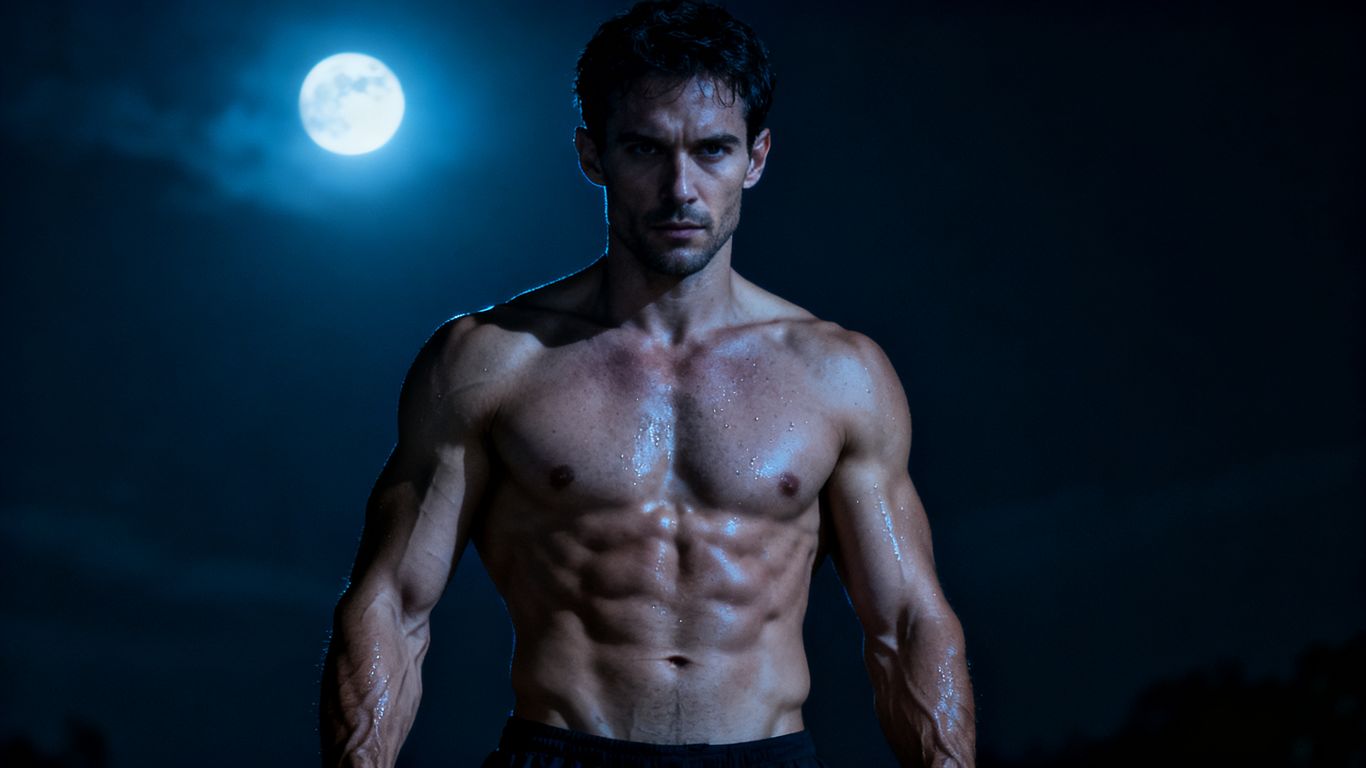
Prompts serve as your primary tool for dictating the output of your subject. A strong prompt describes the scene composition, subject morphology, and environmental interactions with clarity. You should keep the language direct and avoid abstract terms that might confuse the model. Practice helps you understand how different token combinations alter the, final frame performance.
Structuring descriptive prompts for masculine subjects
Start by detailing the subject's build, age, and clothing before moving to the action. Focus on specifics like skin tone, muscle definition, and posture. A clear structure helps the model place the subject correctly within the provided scene environment.
Utilizing style and lighting vocabulary to enhance output
Lighting choices like rim lighting, cinematic shadows, or soft morning light transform the mood of the generation. You can refer to the e58f to see how composition affects the perceived authenticity of your work. Combining these terms effectively forces the model to render higher quality textures.
Managing negative prompts to improve anatomical precision
Negative prompts act as guardrails against common errors like distorted limbs or extraneous features. You can list elements you want to avoid here to clean up the generation. The following table illustrates some common negative prompts used to refine male subjects:
| Term | Purpose | Frequency |
|---|---|---|
| Extra limbs | Removing anatomical errors | High |
| Blurry features | Sharpening the facial focus | Medium |
| Watermarks | Cleaning exported images | Constant |
Using these inputs allows you to maintain consistency across batches of work. Incorporating a list like this into your workflow helps you focus exclusively on artistic output.
Using reference images for consistent character design
Reference images allow you to maintain one character across multiple frames. You define the character once via an image, then use that source consistently to ensure the look remains stable. This is useful for creating character arcs or extended scenes without variation.
Utilizing different generation modes
Generation modes dictate how the AI treats your input data. You might begin with text to sketch out an idea and then transition to advanced modes as you learn the platform capabilities. Most creators combine modes to reach their final desired result with efficiency.
Text-to-image for conceptualizing new characters
This mode is ideal for starting from scratch when you have a loose vision but no reference material. You can test various character types and settings quickly. It works well for building an initial roster of characters before you decide which to focus on for deeper narratives.
Image-to-image for transforming existing sketches or photos
Upload an existing photo to shift the style toward something new. You can alter the clothing, environment, or physical traits of an existing image. This method allows you to iterate on a specific look without restarting the prompt generation from zero.
Video generation as a next step for static models
Once you have a high-quality image, move into video generation to bring that character to life. Platforms like Animator Hub enable you to turn your assets into moving clips of up to 15 seconds. Creating these motion sequences adds a professional dimension to your content that static images cannot match.
Exploring multi-shot narratives for character consistency
Plan sequences of shots to build a full story, using timers or narrative prompts to maintain the subject identity throughout. You can organize these shots into categories to track the story progression. Following a structured plan is better than random generation, as it keeps the viewer engaged with your theme.
Best practices for aesthetic control
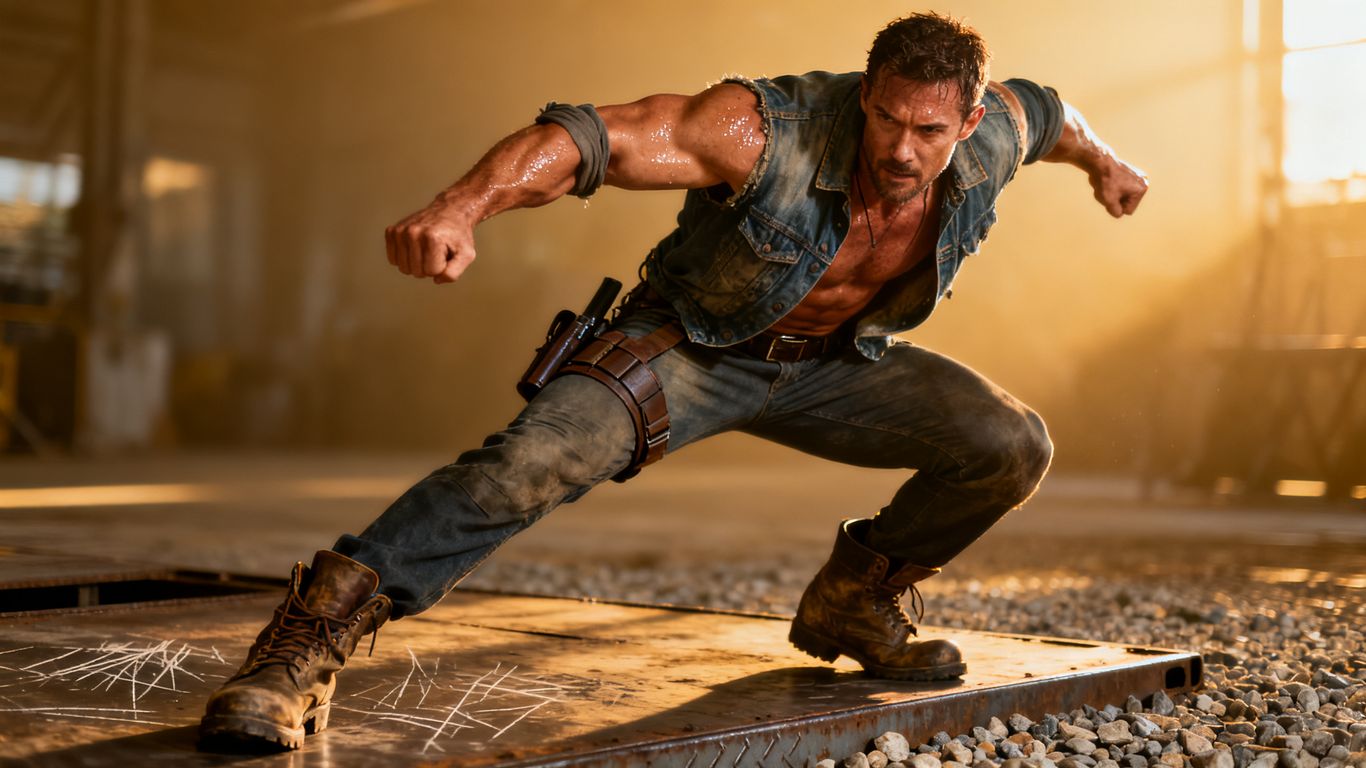
Visual control relies on your ability to combine specific tokens with composition guidelines. When working on male subjects, pay attention to the lighting and camera framing to achieve a realistic appearance. You should test different configurations until the output matches your vision, then refine the parameters further.
Selecting specific body types and facial features
Be specific with descriptors regarding height, build, and facial structure. Instead of using generic terms, describe the specific features that define the look you desire, such as athletic frame or rugged facial structure. The model responds far better to concrete descriptive tokens.
Fine-tuning skin textures and lighting conditions
Adjust the lighting intensity to bring out detail in the character's skin or muscular structure. You can use terms like hard shadow or diffuse lighting to change how the scene is rendered. This level of control ensures your work looks like high-quality photography rather than flat computer graphics.
Choosing appropriate camera angles and composition
Camera angle impacts the power dynamic of the image. A low angle often conveys authority or size, while a level shot provides an intimate, grounded perspective. Consider the angle that best serves your scene's narrative purpose before hitting generate.
Applying artistic filters to achieve realistic or stylized results
Filters define the final finish of your image during the generation phase. Choose a style, such as hyper-realism or a specific artistic grain, to unify the look. These preferences can be saved as part of your custom prompt recipes for future reuse.
Managing files and creative assets
Organized creators achieve faster production cycles by keeping their library in order. You should review your library frequently and categorize media to keep track of your active projects. Good housekeeping prevents you from losing track of high-quality clips you might want to reuse later.
Organizing generated media in private libraries and collections
Use your private account library to store every clip or image you produce. This space should act as your personal archive, totally separate from any public activity. You should treat this vault as your professional workspace.
Using albums to curate multi-shot stories
Create dedicated albums for your sequential video work to keep the shots in the correct order. You can drag and drop items to position them, ensuring you never lose the sequence of your narrative. This makes the review process smoother when you return to complete a project.
Handling bulk actions for workflow efficiency
When a generation session produces many variations, use bulk tools to handle deletion or categorization. This saves time and allows you to process hundreds of assets with just a few clicks. Efficiency in bulk management allows more time for the actual artistic side of content creation.
Ensuring secure storage and management of private media
Trust only platforms that provide secure, encrypted vaults for your media. Since you handle sensitive adult content, you must feel confident that your library is for your eyes only. Never store your assets in locations that lack these security markers.
Safety, ethics, and platform compliance
Operating within platform rules ensures your account remains active and your content stays available. You should read the terms of service to understand what limits exist for specific types of content. Always act as a professional creator who respects the community standards of the platform you choose.
Adhering to essential platform content limits
Maintain awareness of specific forbidden territory, such as avoiding imagery of minors. The following list represents the primary safety steps for any adult creator:
- Perform age verification immediately upon registration.
- Refrain from generating content featuring actual people without permission.
- Report any technical issues directly through the official feedback channels.
- Regularly review the latest community guidelines for policy updates.
Adhering to these rules keeps your workflow stable and protects the integrity of the creative community. It is a sign of a grown-up creator to operate safely within these boundaries.
Understanding age verification protocols
Age checks are standard for these platforms to comply with global regulations. You should be prepared to provide the necessary confirmation to prove you are 18 or older. This single step opens up the full functionality of the site.
Maintaining anonymity in online generation tools
Anonymity protects you and your work in the online space. You can use platforms that do not require real-world identities or social media connections. Focus on building your private brand rather than relying on external social profiles.
Reporting bugs and requesting new feature sets
Use the internal feedback mechanisms to communicate with the engineering team. Whether you identify a repeating bug or want to see a new tool, your input helps shape the platform. Developers are often interested in what serious creators want to see next.
Conclusion
Success in generating NSFW male content requires a mix of technical skill and artistic focus. By leveraging platforms like Animator Hub, you can find the tools needed to build consistent, high-quality media safely and privately. Stick to the workflows that keep your content organized and build your prompts with the specific detail required for the best results.
Frequently Asked Questions
Can I generate male characters in different styles?
Yes, you can specify various artistic styles in your prompt, such as realistic photography, anime, or painterly aesthetics to achieve the look you want.
Is it possible to keep my creations completely private?
Yes, by using platforms that store files in a secured account vault, you can ensure your library remains hidden and accessible only to you.
Will the AI remember my previous character prompts?
While each generation is a unique request, you can save your successful prompts as recipes or use reference images to ensure your character look stays the same.
Do I need a high-end computer to start?
No, cloud-based generators perform the heavy tasks on their servers, so you can work using just a browser on almost any device.
How are these models different from mainstream AI?
Uncensored models remove specific inhibitory filters, allowing you to create content without facing typical restrictions found in services like ChatGPT or Midjourney.
Can I edit images once they are generated?
Most platforms provide image-to-image or video-to-video tools, allowing you to take existing media and modify it with new instructions rather than starting from scratch.
Where can I find help if my prompts fail?
Most platforms feature a guide or help section that provides prompt structures, vocabulary, and troubleshooting tips for common generation issues.